


Contact directory
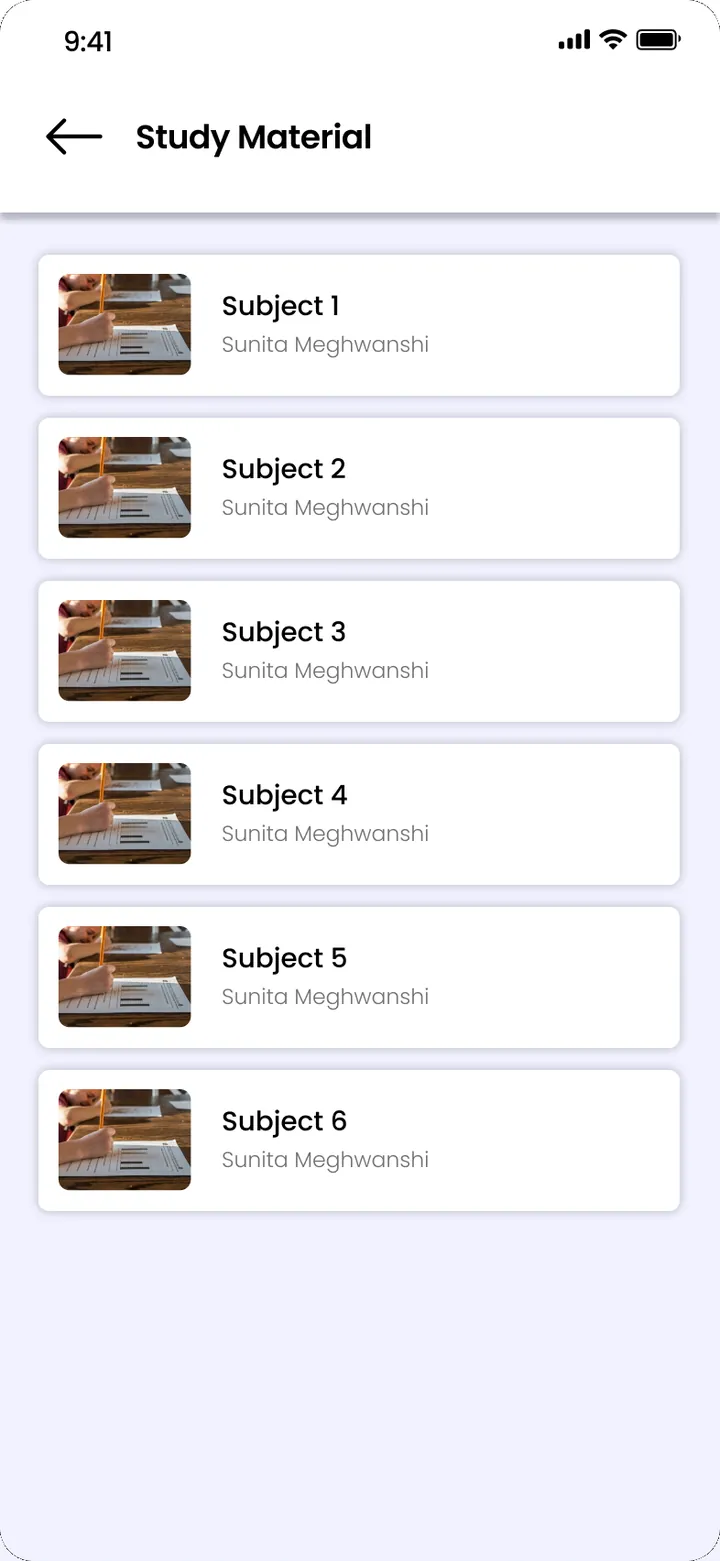
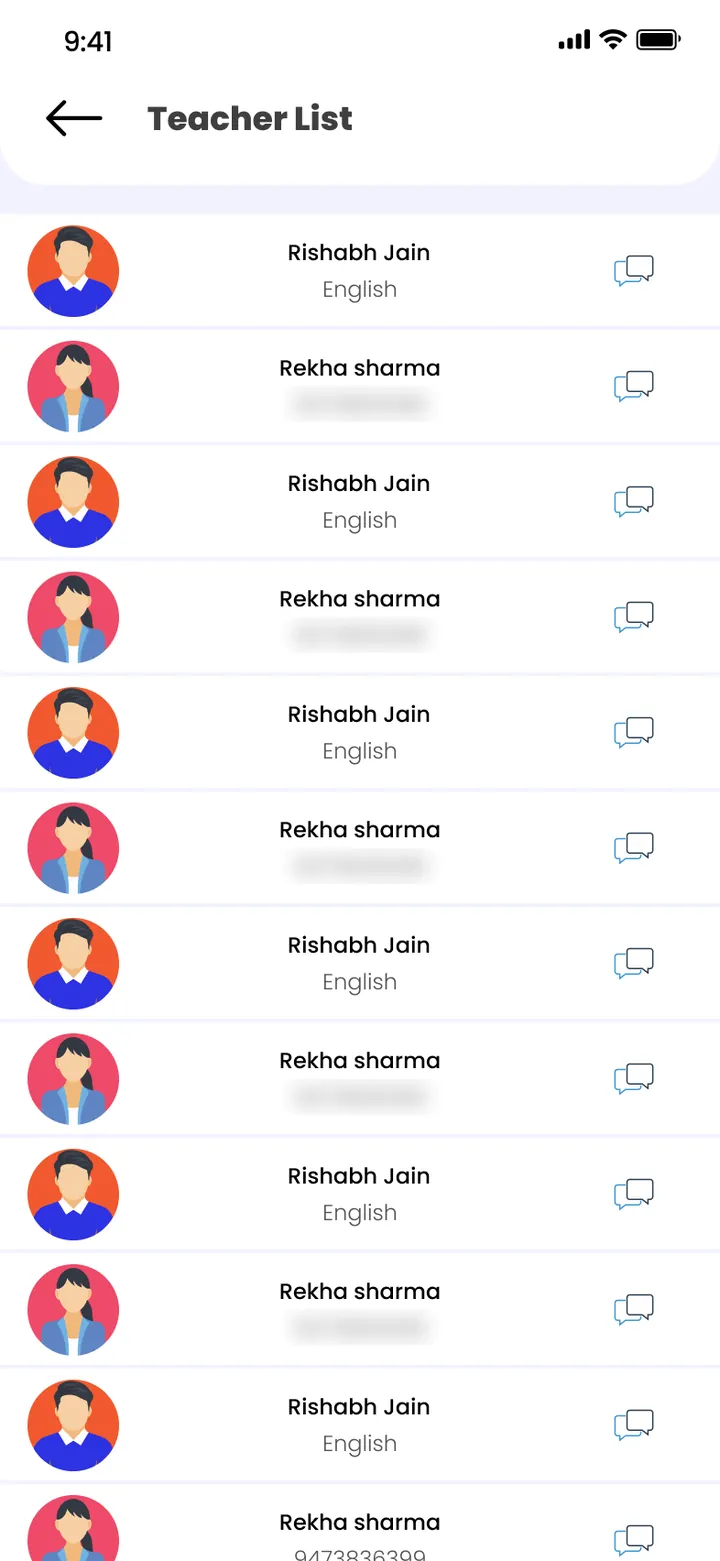
Staff, student and parent contacts in one list that every module uses. Change a number once.
School communication app · Pillar 3 of 7
One contact directory and one place for school announcements, so a notice reaches the whole school, one class or the staff without forwarding WhatsApp messages.



Staff, student and parent contacts in one list that every module uses. Change a number once.

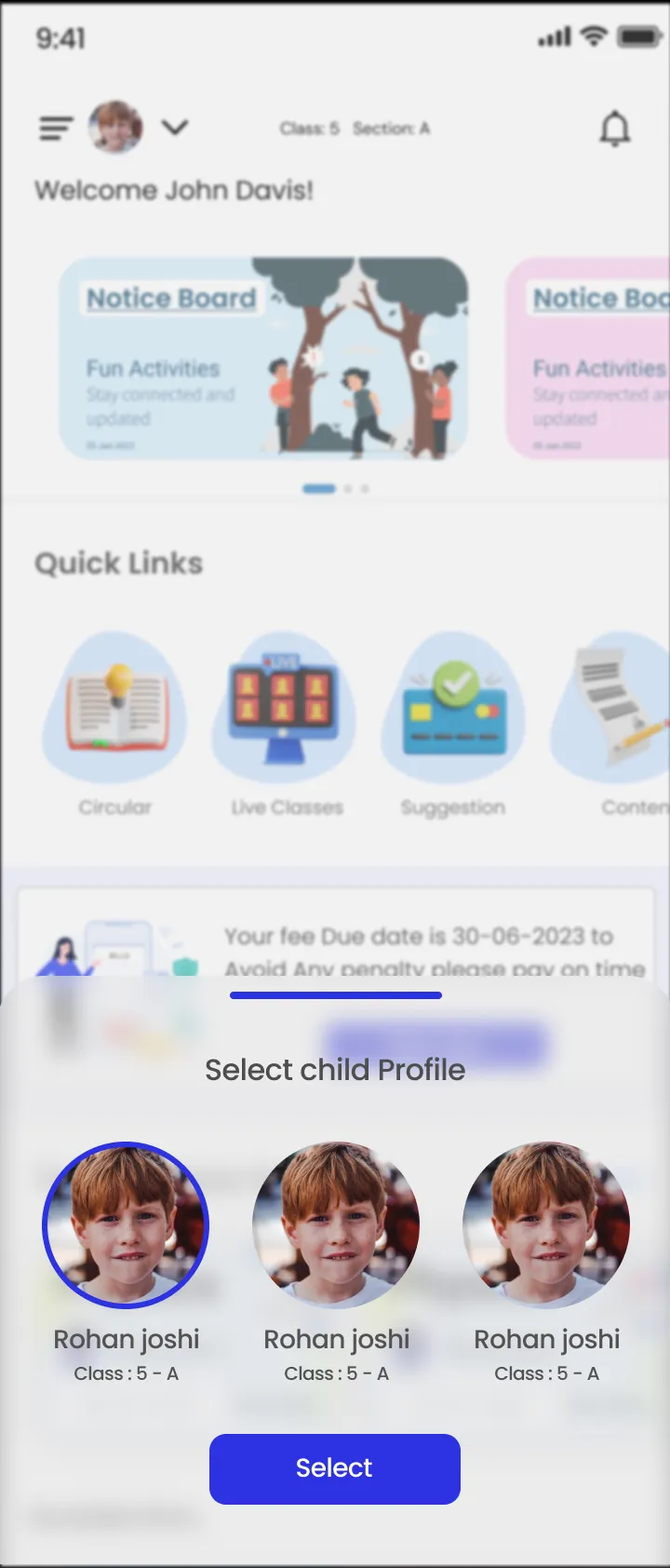
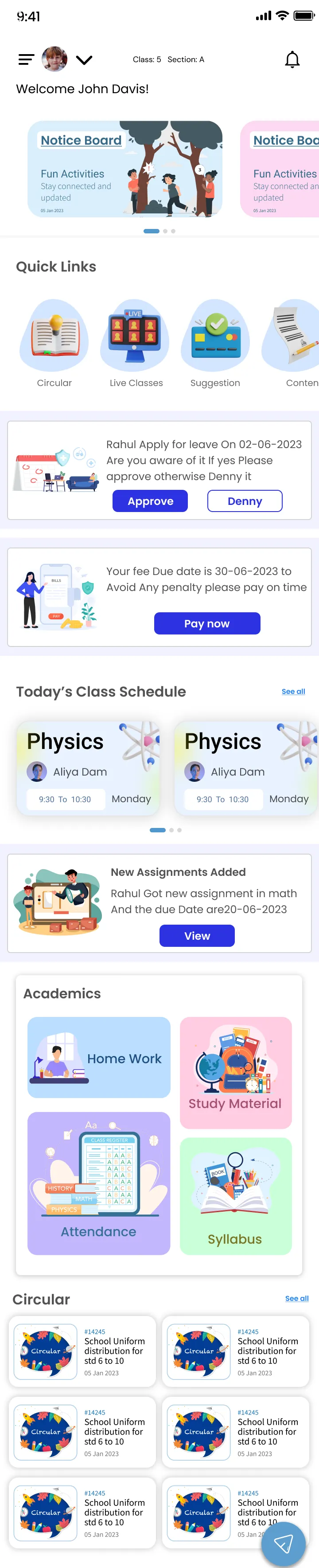
Write a notice once with a title and message. Holidays, exam dates and fee reminders reach parents in the ClassPLX app.
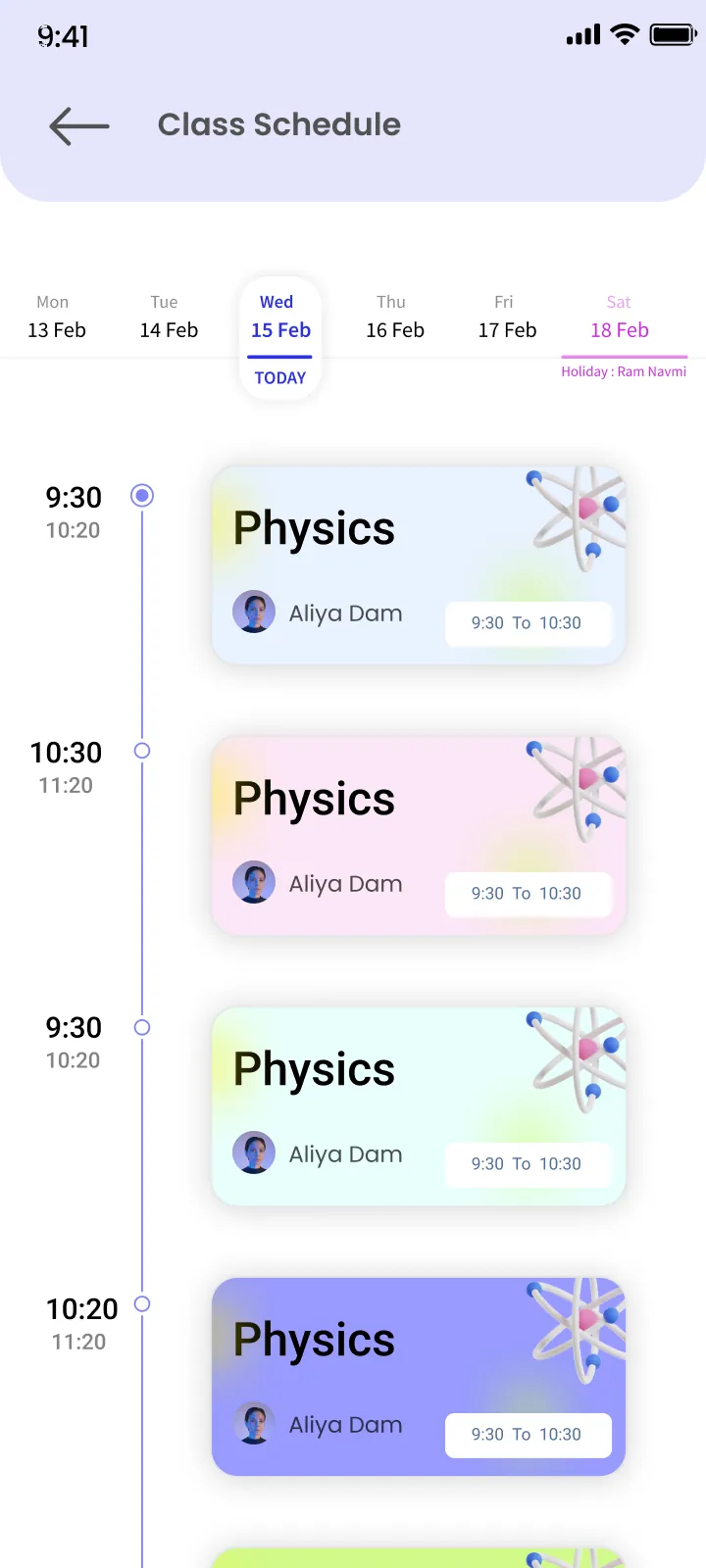
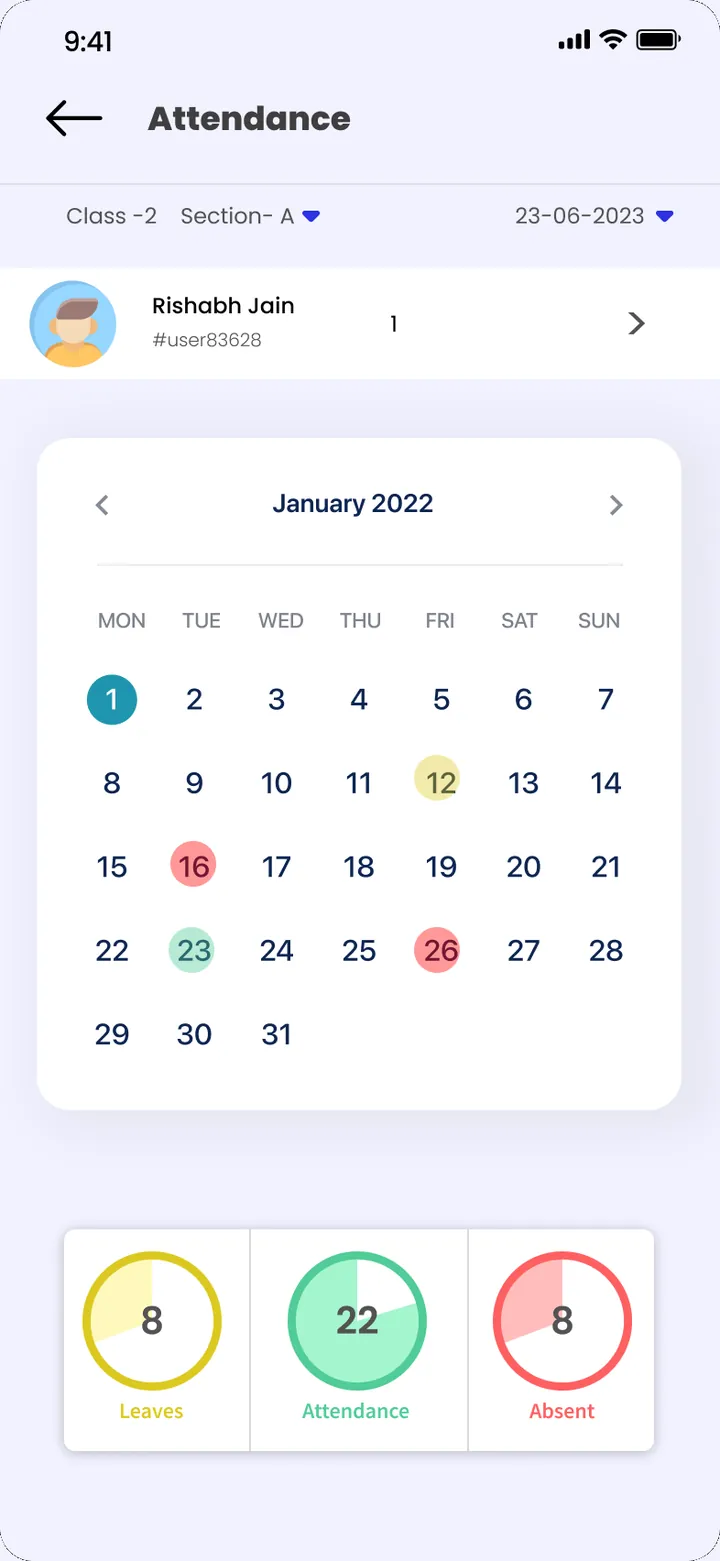
Holidays added once show on the dashboard calendar for the whole month.
Guide
Most schools run communication through dozens of WhatsApp groups: one per class, one for staff, one for transport. Notices get buried, numbers change, and nobody can tell who actually saw a message. A school communication app keeps it in one place.
A class WhatsApp group mixes school notices with parents' questions, forwards and replies. An important notice about an exam date or a fee deadline is gone after a few hours of chat. When a teacher leaves, their phone takes the group history with them. And personal numbers of teachers end up shared with every parent.
ClassPLX keeps staff, student and parent contacts in one directory that every module uses. When a parent's number changes, the office updates it once and fees, attendance and announcements all use the new number. Teachers look up contacts in the directory instead of keeping personal lists.
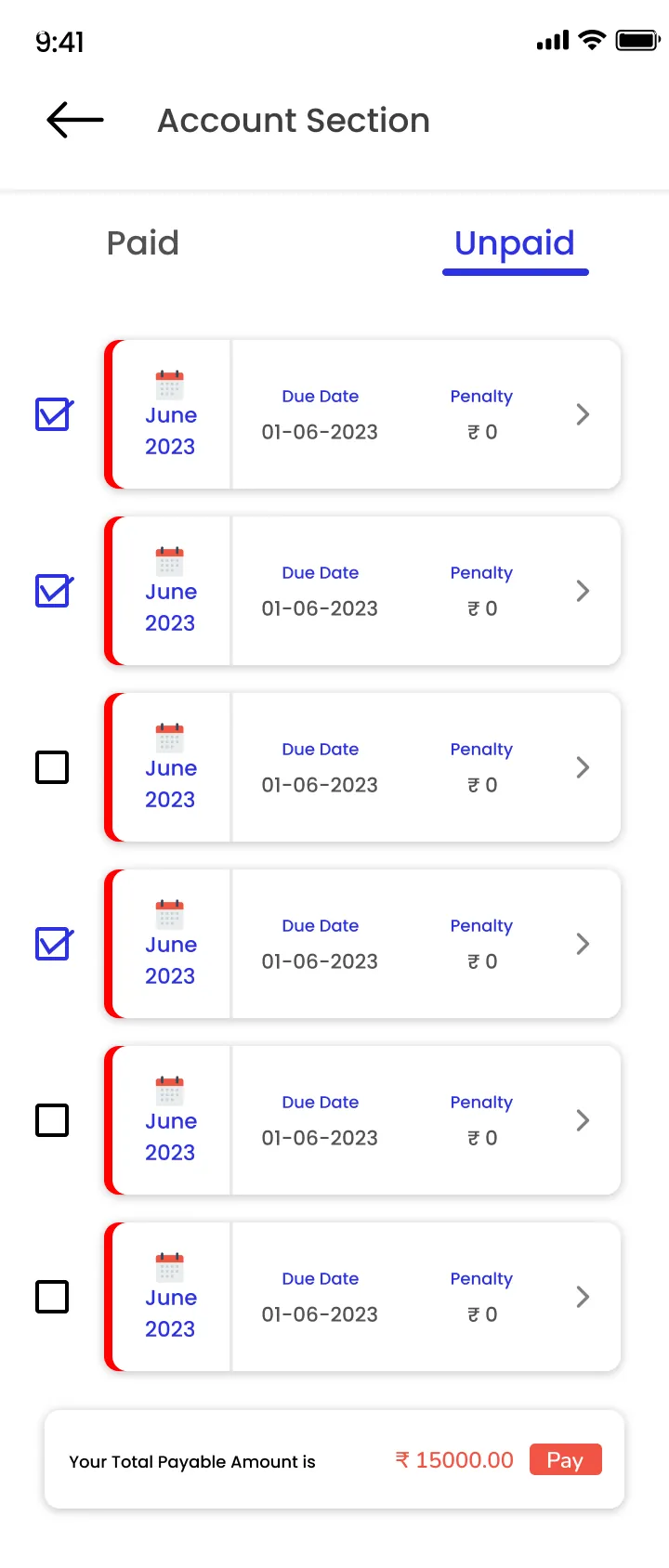
A notice is written once with a title and a message and reaches the whole school, one class or the staff. Holidays, exam dates, PTM timings, fee reminders and result declarations reach parents in the ClassPLX app, where they stay available instead of scrolling away.
Holidays are added once and appear on the dashboard calendar for the whole month, so staff and parents look in one place for the school calendar.
With ClassPLX Plus, schools also get one-to-many and one-to-one in-app communication, so a teacher can reach a parent without sharing a personal phone number.
See which features are in each plan on the pricing page.
No. Announcements reach parents in the same ClassPLX app they use for fees and results.
Yes. Holidays are added once and shown on the dashboard calendar.
Yes. Book a free demo and we set it up with your classes and fee structure, on a call or at your school.
Yes, with in-app communication in ClassPLX Plus, which supports one-to-one and one-to-many messages.
Yes. Announcements can go to the whole school, one class or the staff.
A 30-minute walkthrough of ClassPLX on a call or at your school.
30 minutes · No obligation · Hindi or English