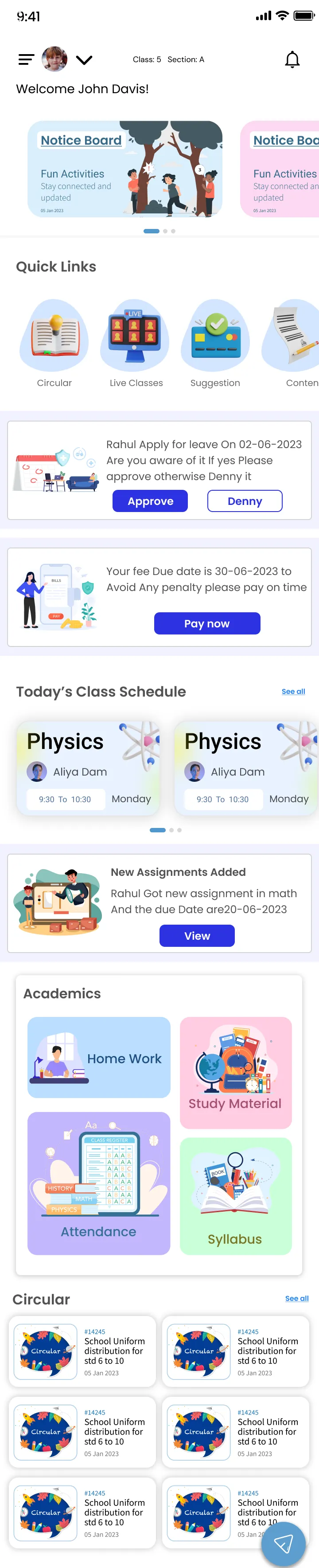
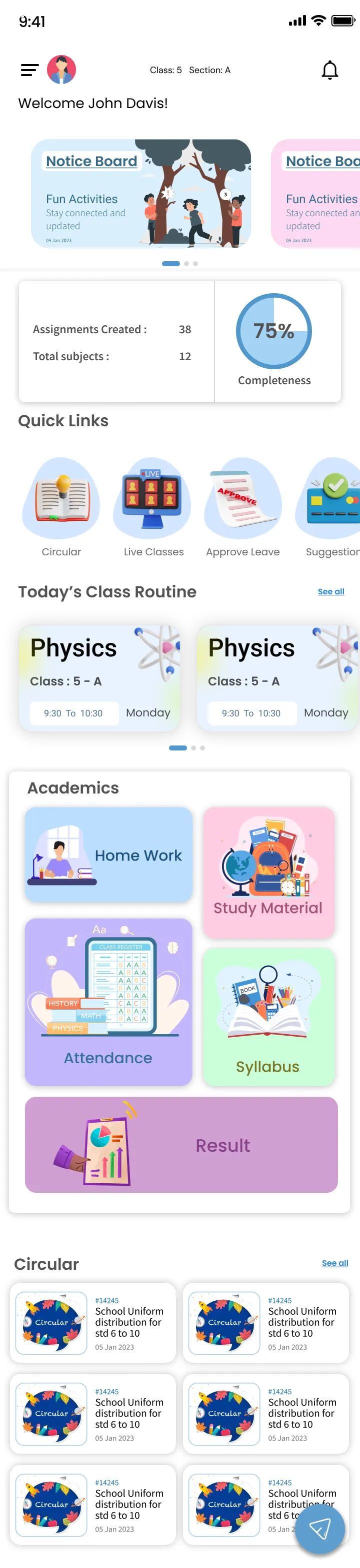
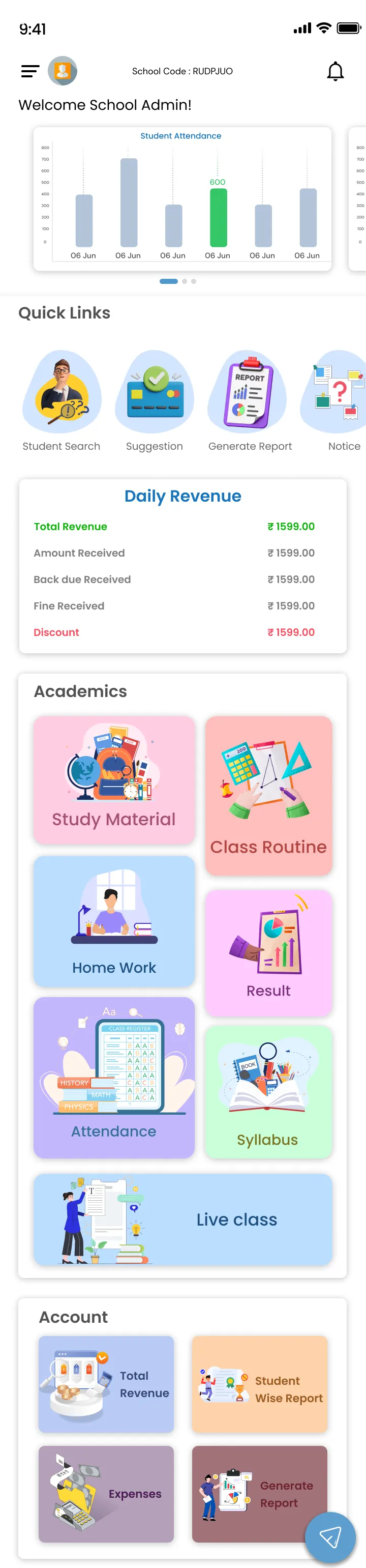
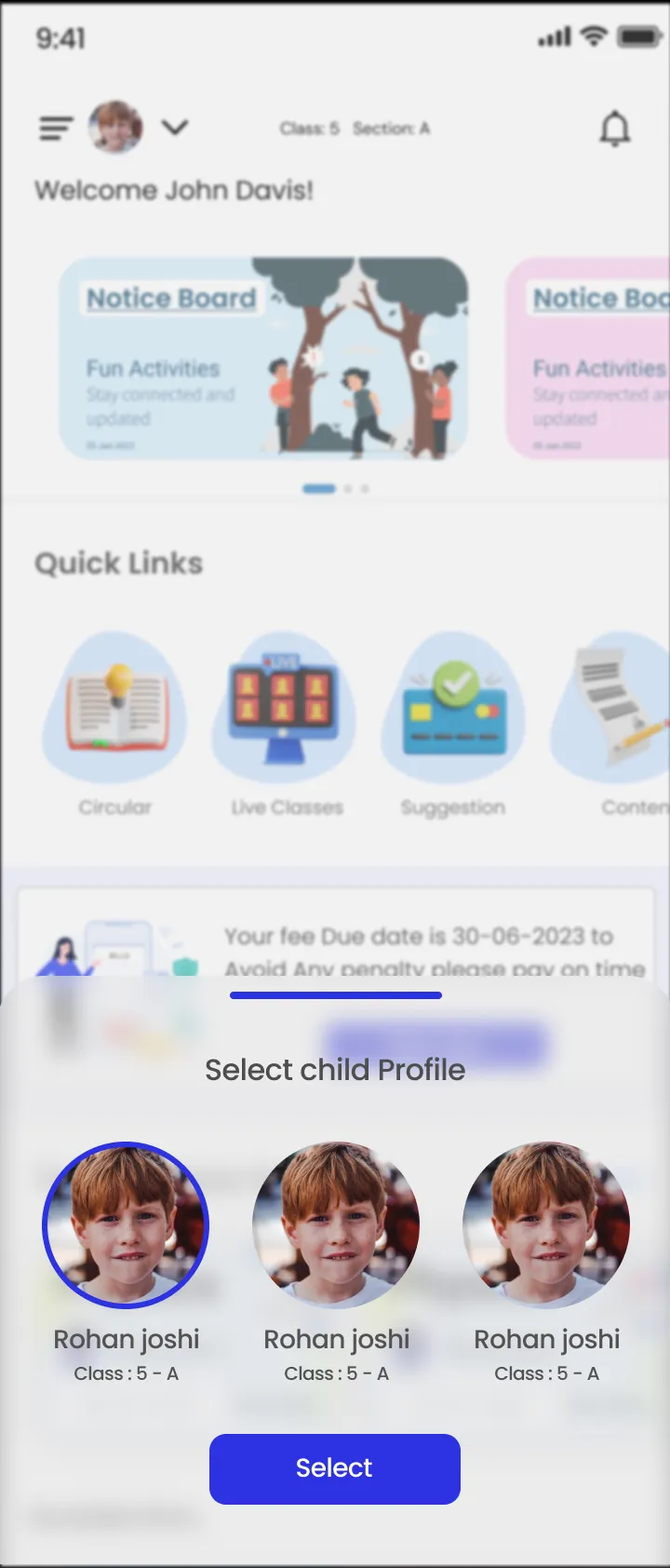
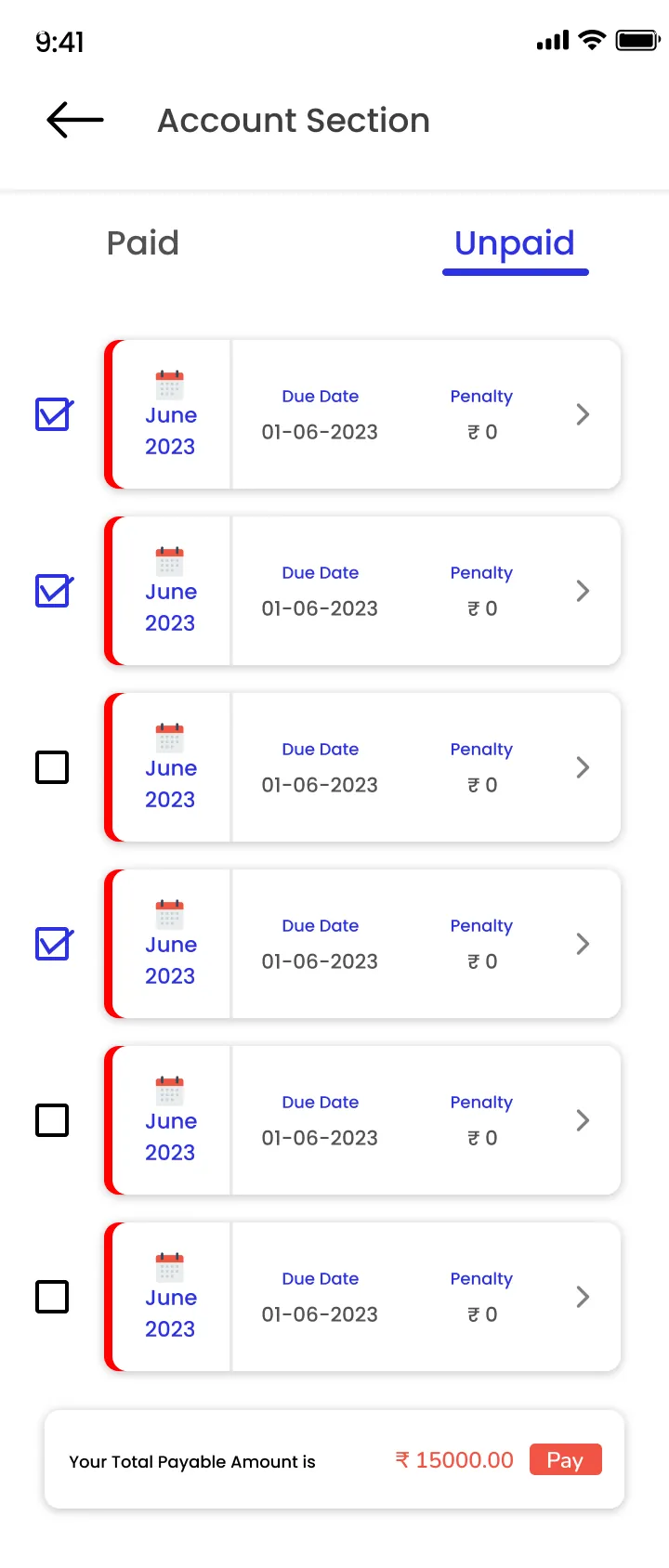
A school app is only useful if each person sees what they need and nothing else. The ClassPLX app uses the same data as the school ERP the office works on, with a separate home screen for parents, students, teachers and management.
For parents
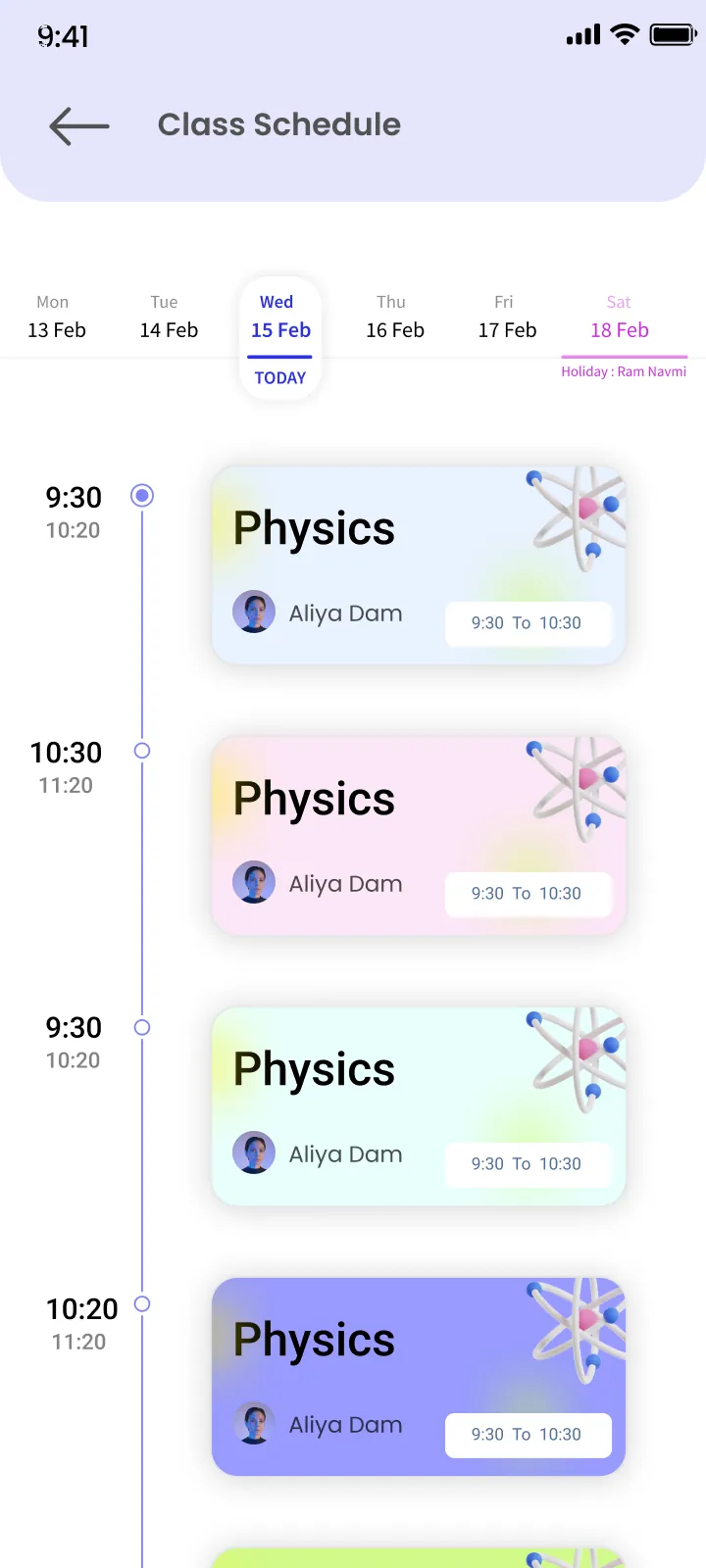
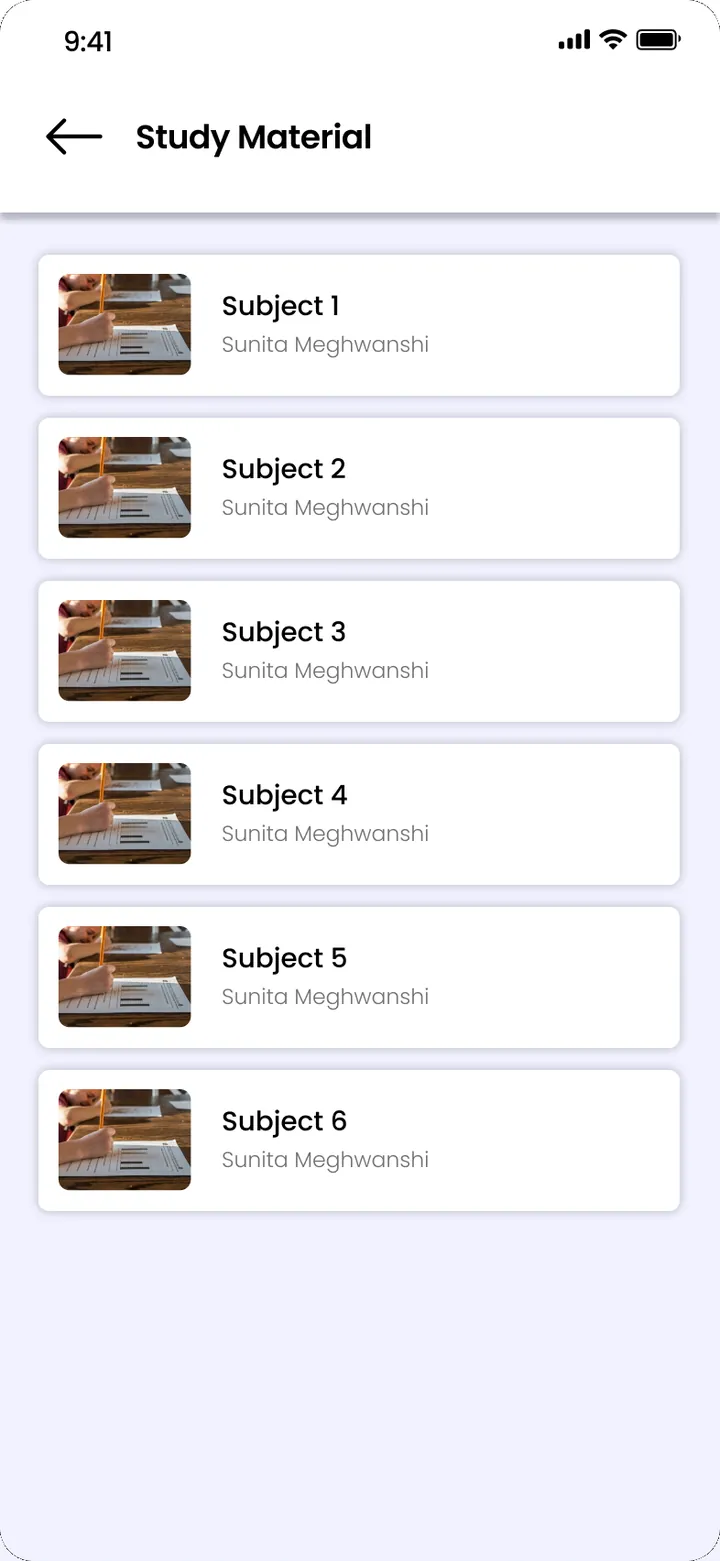
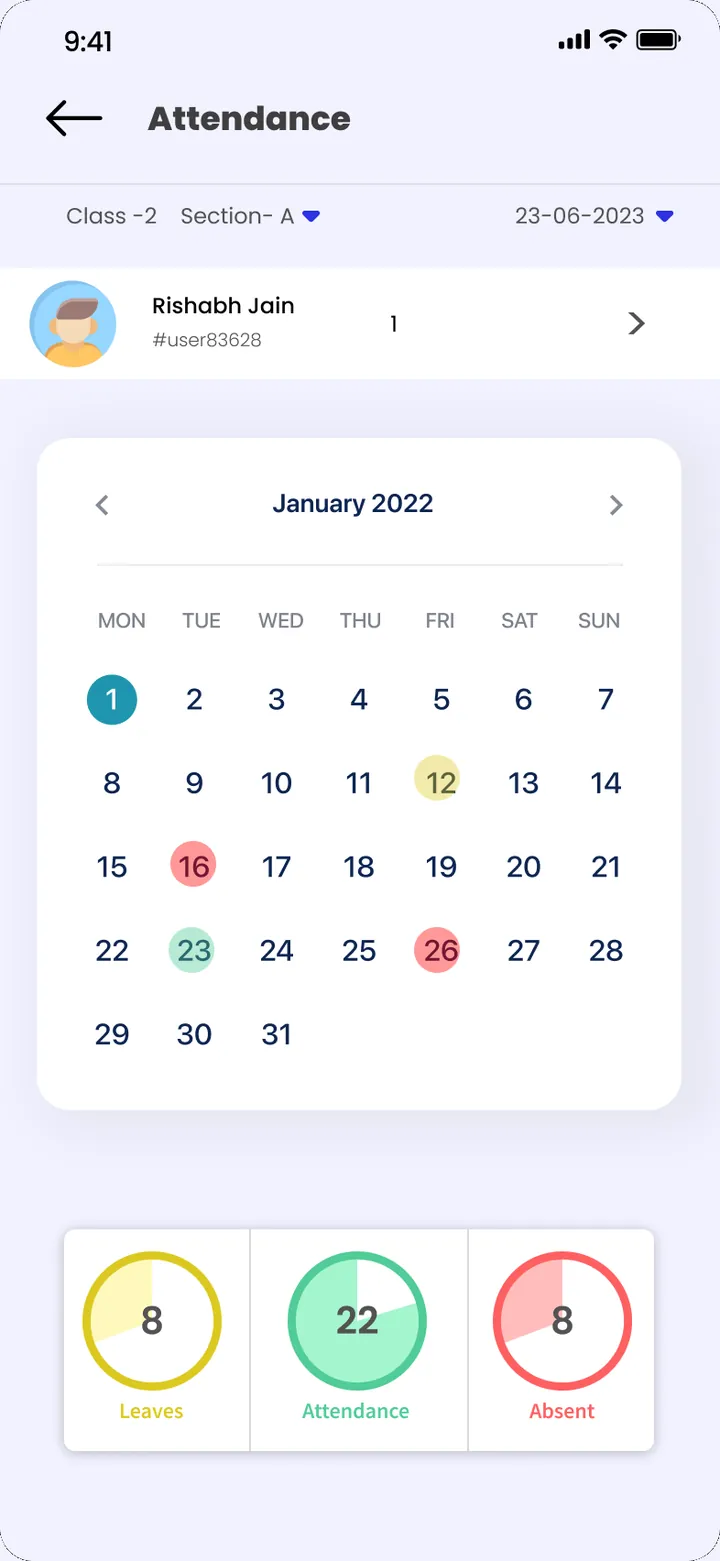
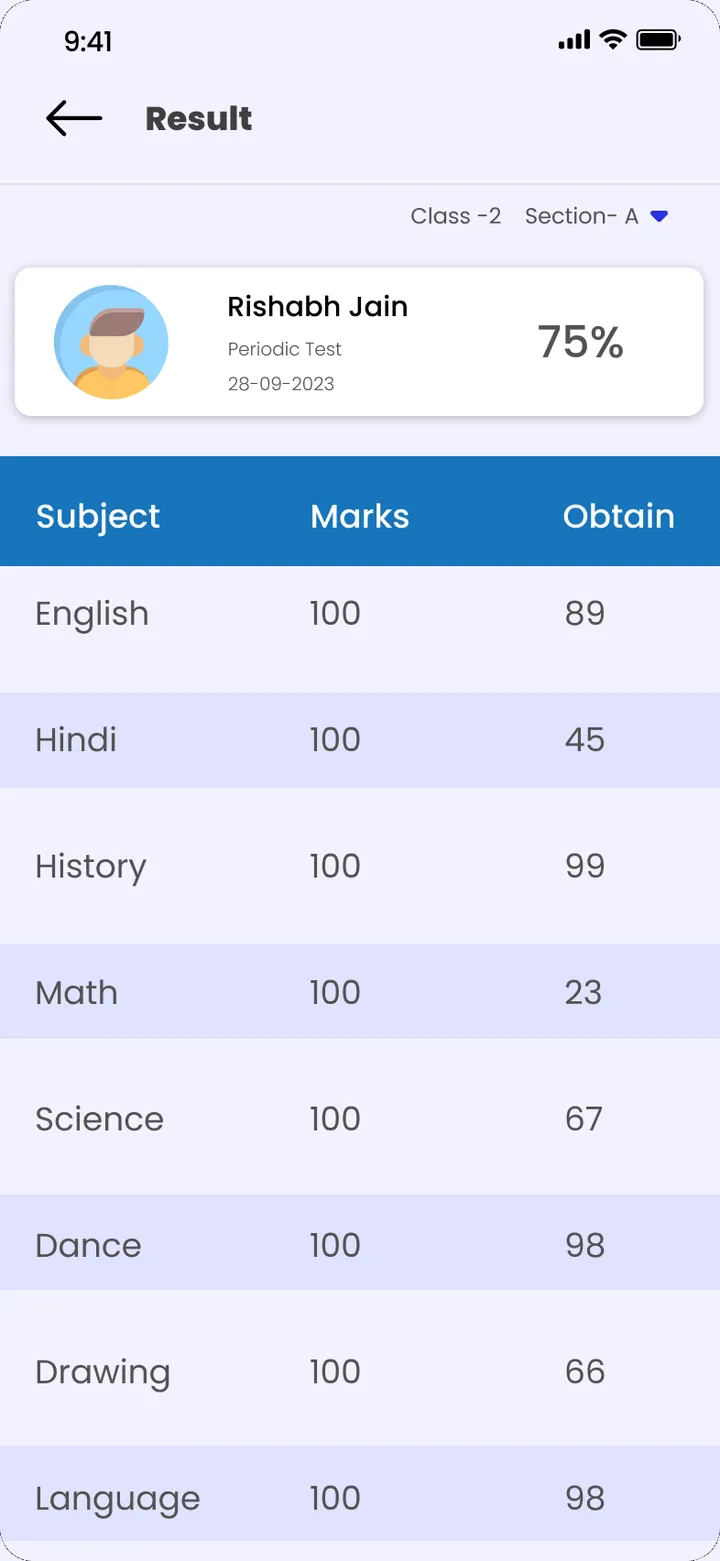
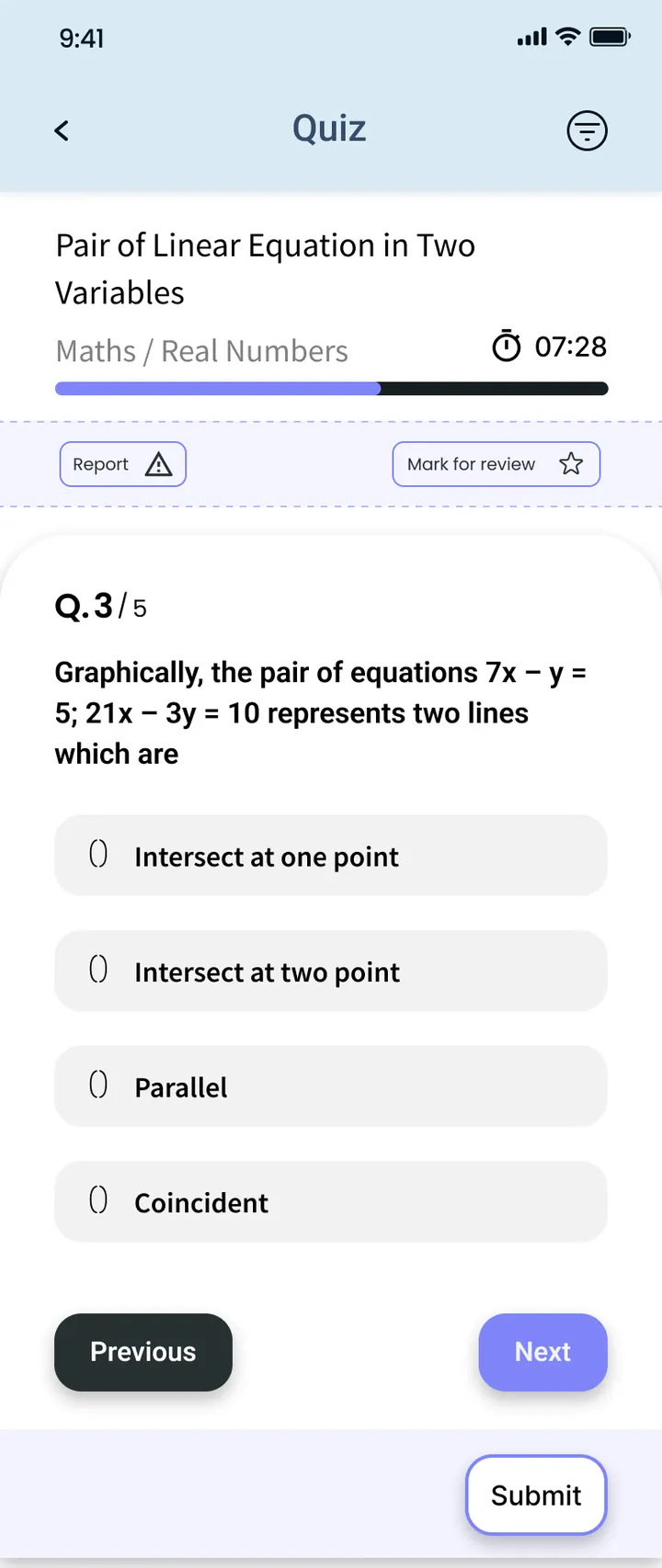
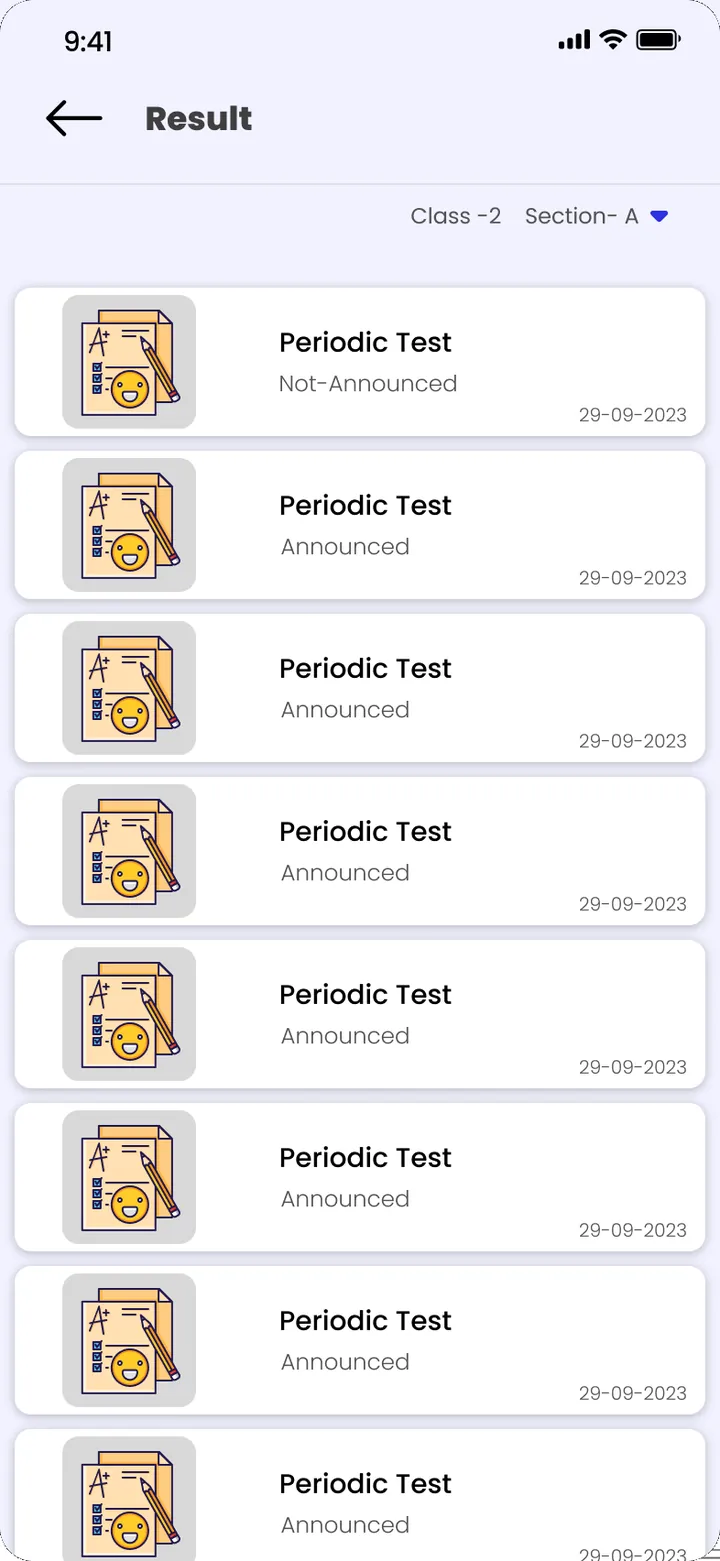
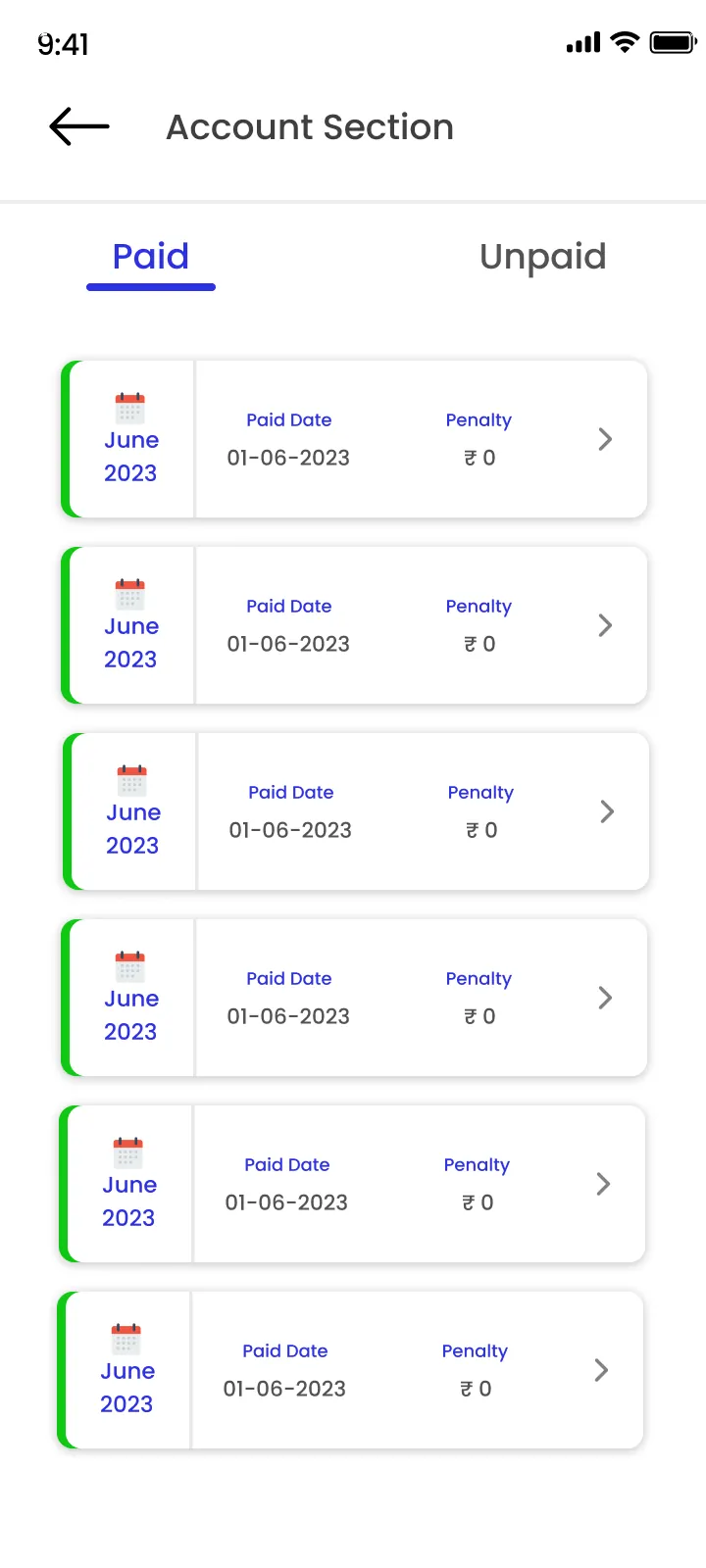
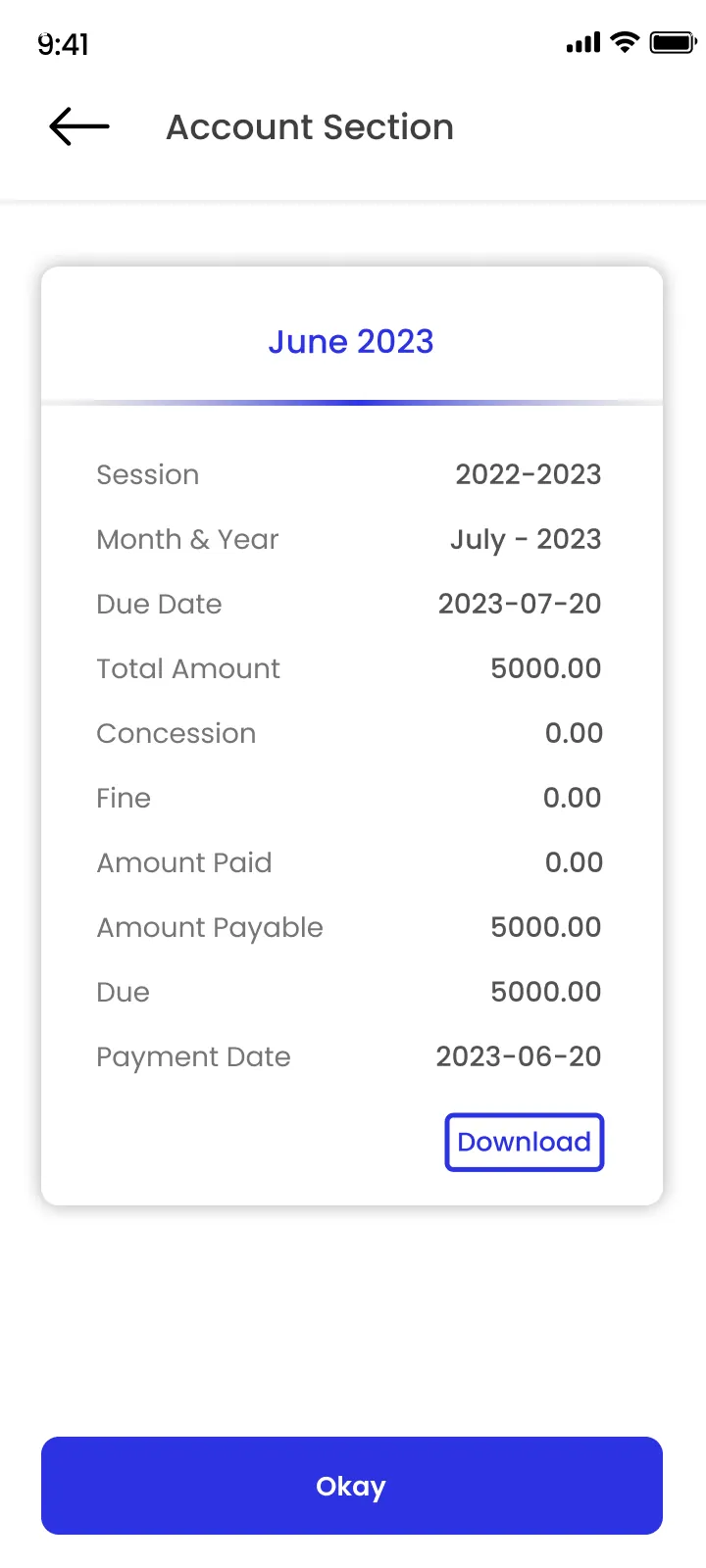
Parents see their child's fees and dues, attendance, class schedule, study material, results and quizzes, circulars and notices, polls and the school gallery. Parents with more than one child at the school switch between them under one login. Login is by OTP to the registered mobile number, so there is no password to remember.
For students
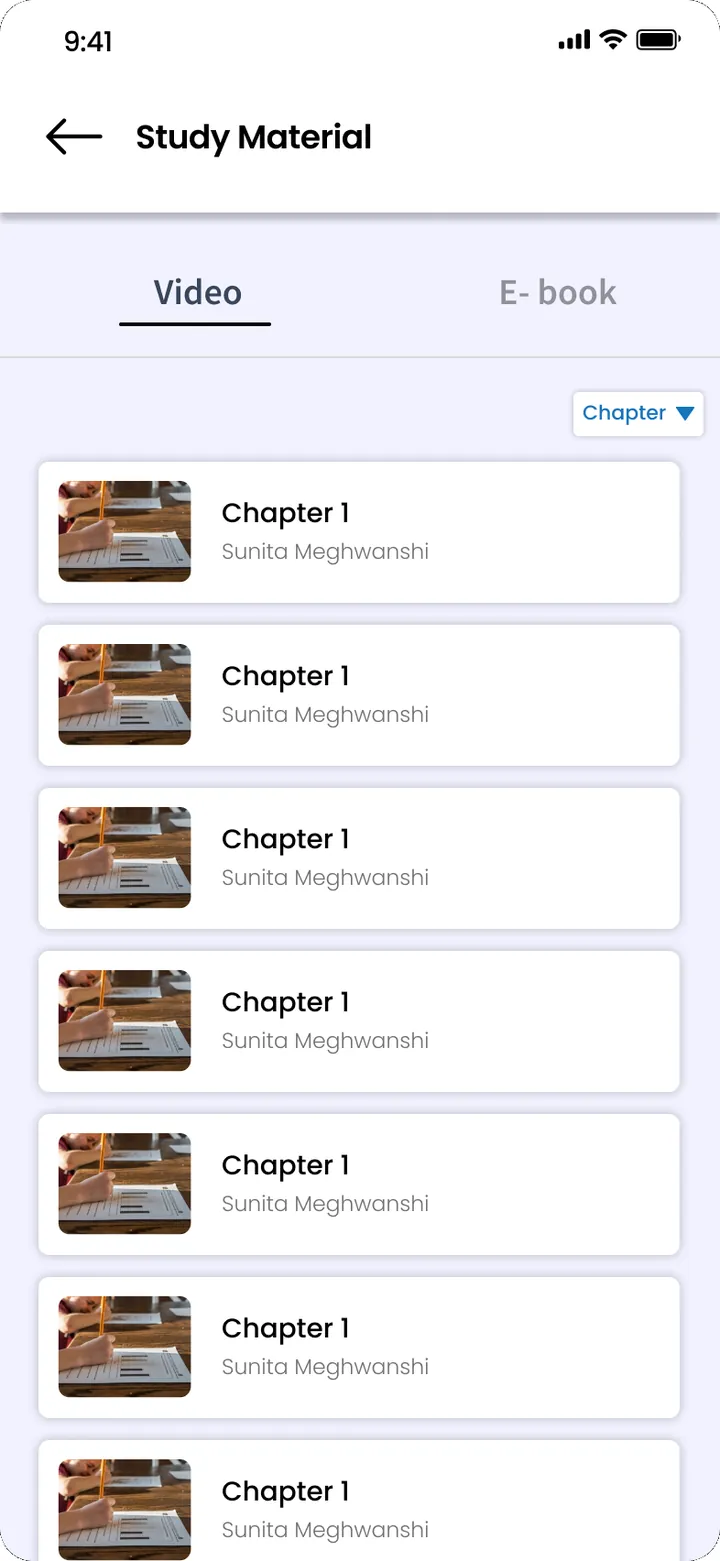
Students see their class routine, study material by subject and chapter, live classes, quizzes and results.
For teachers
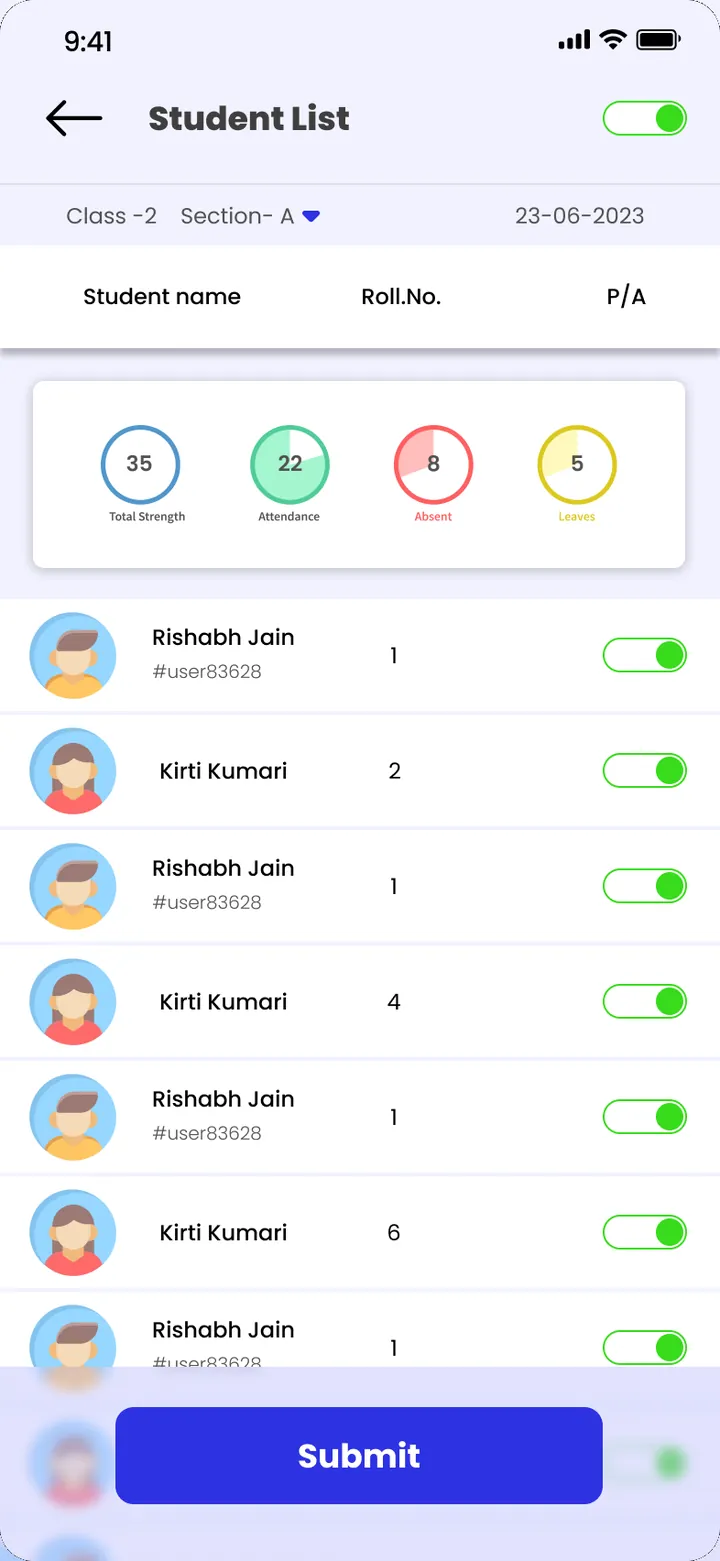
Teachers take attendance for their class from the phone, check their routine, share study material and see results. They use the same class lists as the office, so there is no separate list to maintain.
For management
The principal and management see the school home with study material, class routine and results across the school. Admin logins are protected with multi-factor authentication and session management.
Why one app on the same data matters
Many schools use one app for fees, another for homework and WhatsApp for notices. Each has its own list of students and parents that goes out of date. The ClassPLX app reads the same records as the office, so a fee paid at the counter, a mark entered by a teacher or a notice posted by the principal shows up for the right parent straight away.
The mobile app for all stakeholders is part of ClassPLX Plus. See pricing.