School ERP software
School ERP software that runs your whole school on one system
ClassPLX is school management software for Indian private schools: admissions, fees, attendance, exams, payroll, transport and parent communication in one login, on web and mobile.

What is a school ERP?
A school ERP (enterprise resource planning) system keeps student records, fees, attendance, exams, staff and parent communication in one place, instead of registers and separate Excel files.
In ClassPLX every module reads from the same student and staff records. A fee receipt, an attendance mark and a report card all describe the same child, and nobody retypes a name. The office works on the web; teachers, parents and management use the mobile app.
That is the difference between a school ERP and a set of separate tools: the fee report already knows about the concession given at admission, the report card already knows the class and roll number, and the transport fee is part of the same dues list.

Every module in the ClassPLX school management system
Academics 6 modulesTimetable, syllabus, LMS content, live classes, attendance, exams and report cards.
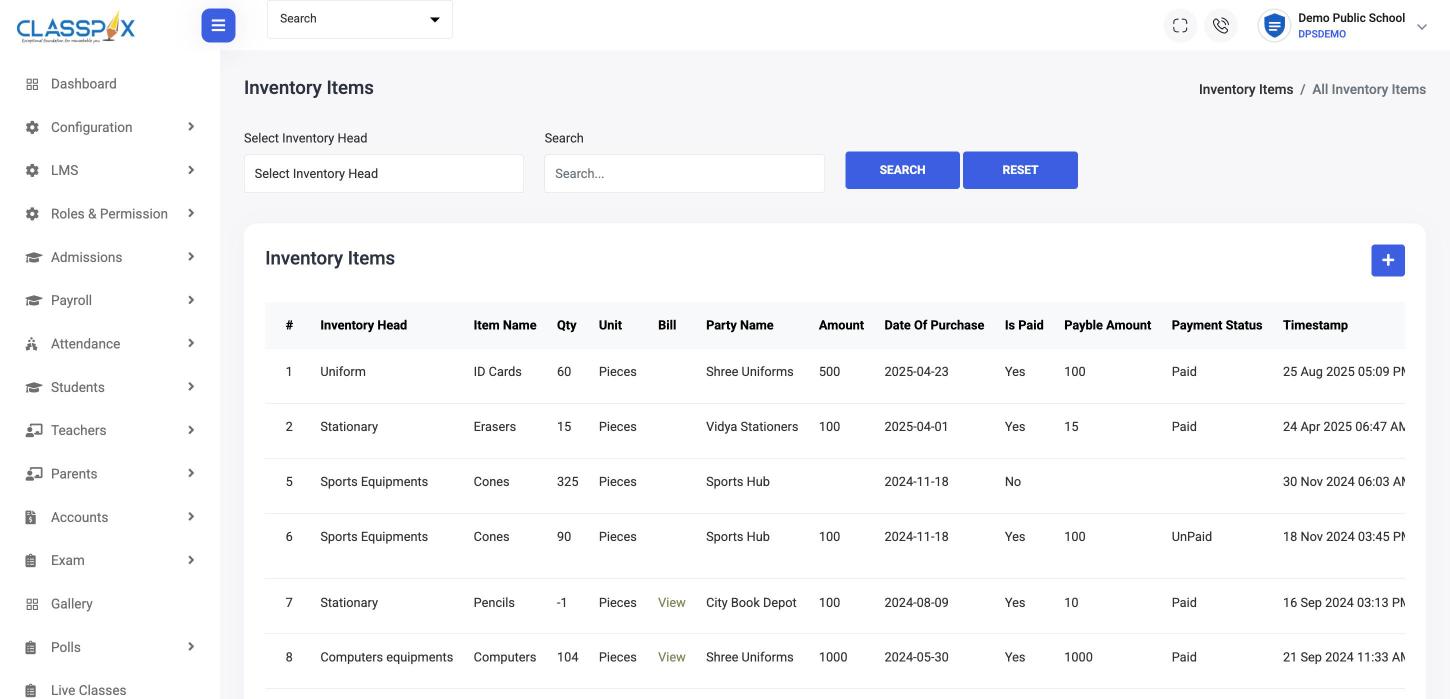
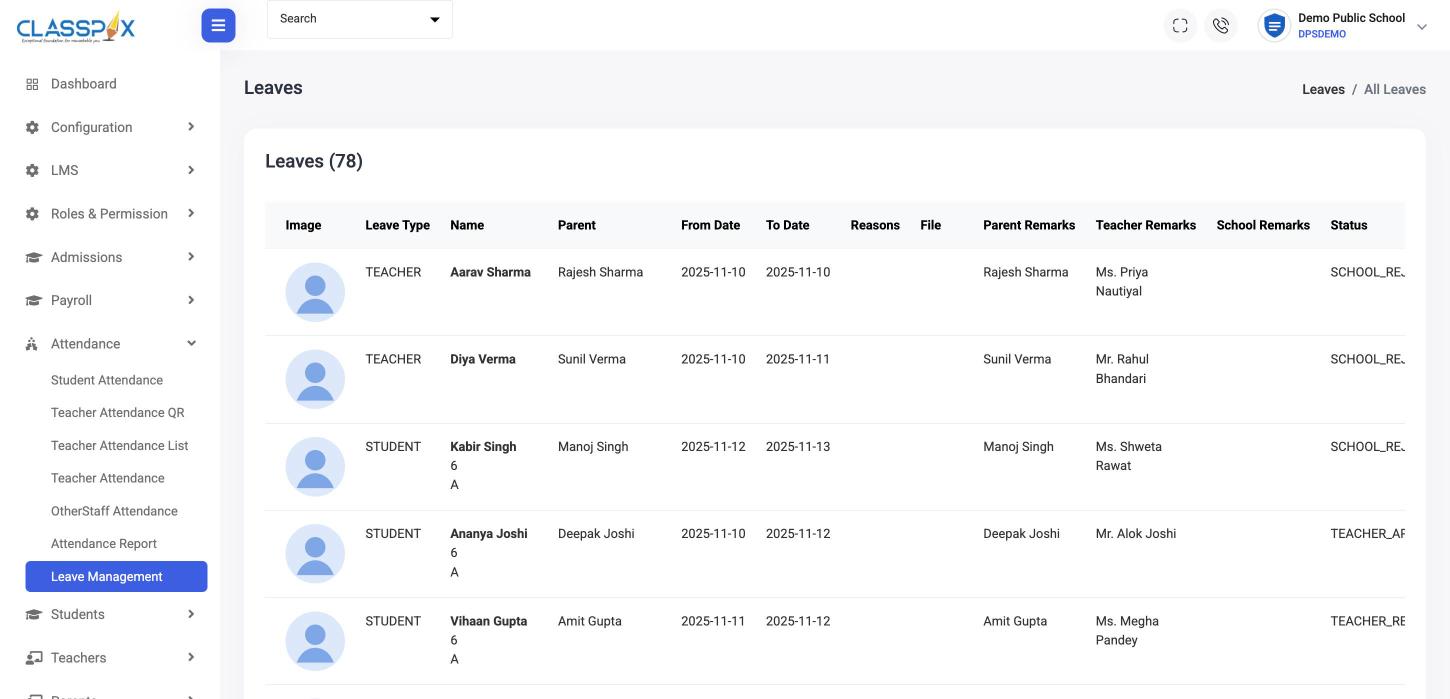
Operations 6 modulesAdmissions, roles and permissions, leave, inventory, transport and transfer certificates.
Communication 3 modulesContact directory and announcements to the whole school, a class or staff.
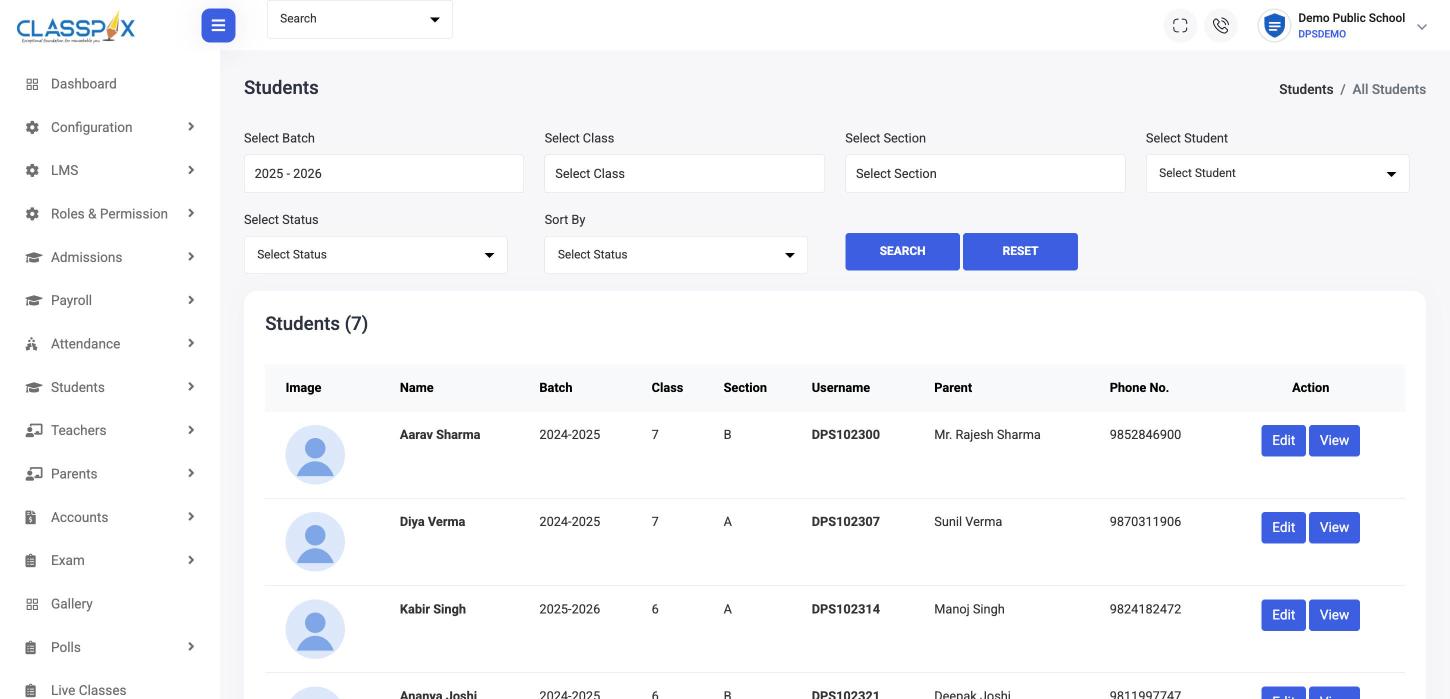
Information Management 1 moduleOne record per student, teacher and parent, with bulk import and promotion.
Engagement 2 modulesSchool gallery and polls in the parent app.
Accounts 2 modulesFee structure, concessions, invoices, dues, expenses, payroll and the TDS calculator.
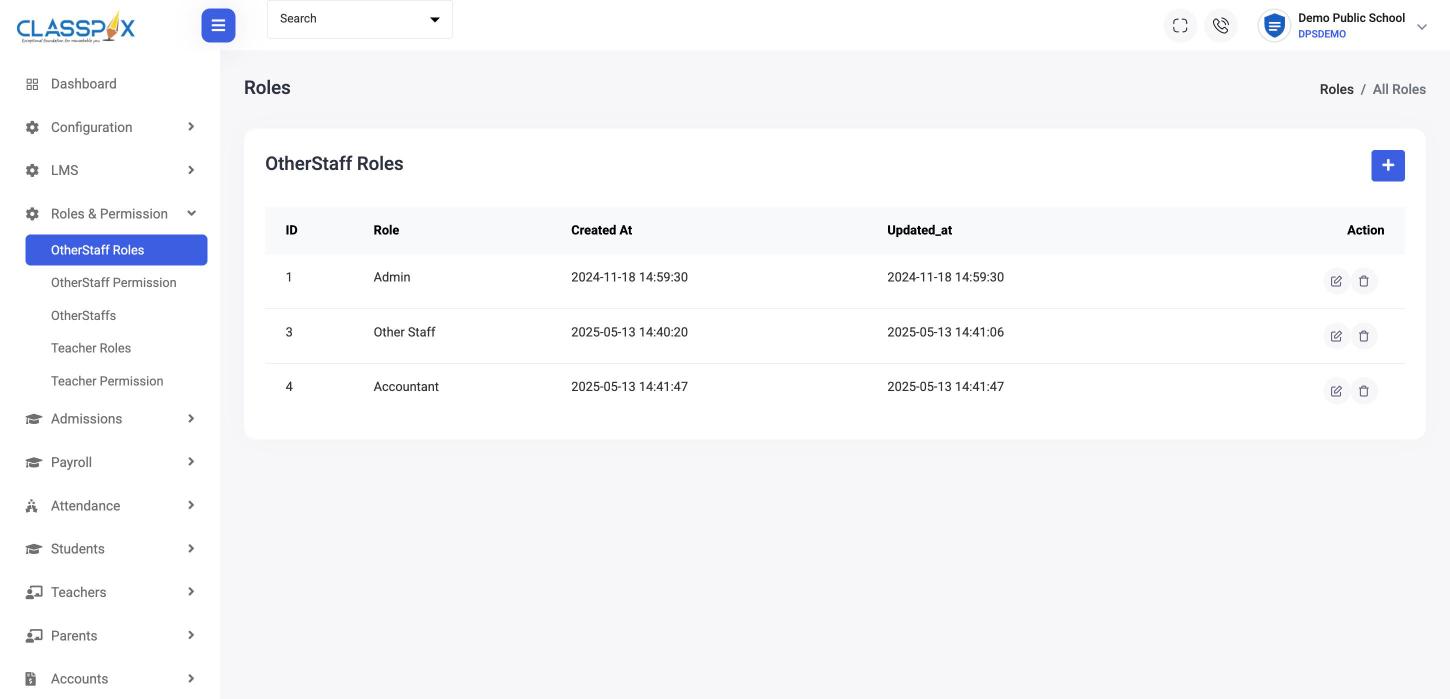
Security & Access 7 modulesRole-based permissions and controlled logins for every user.
Inside the software
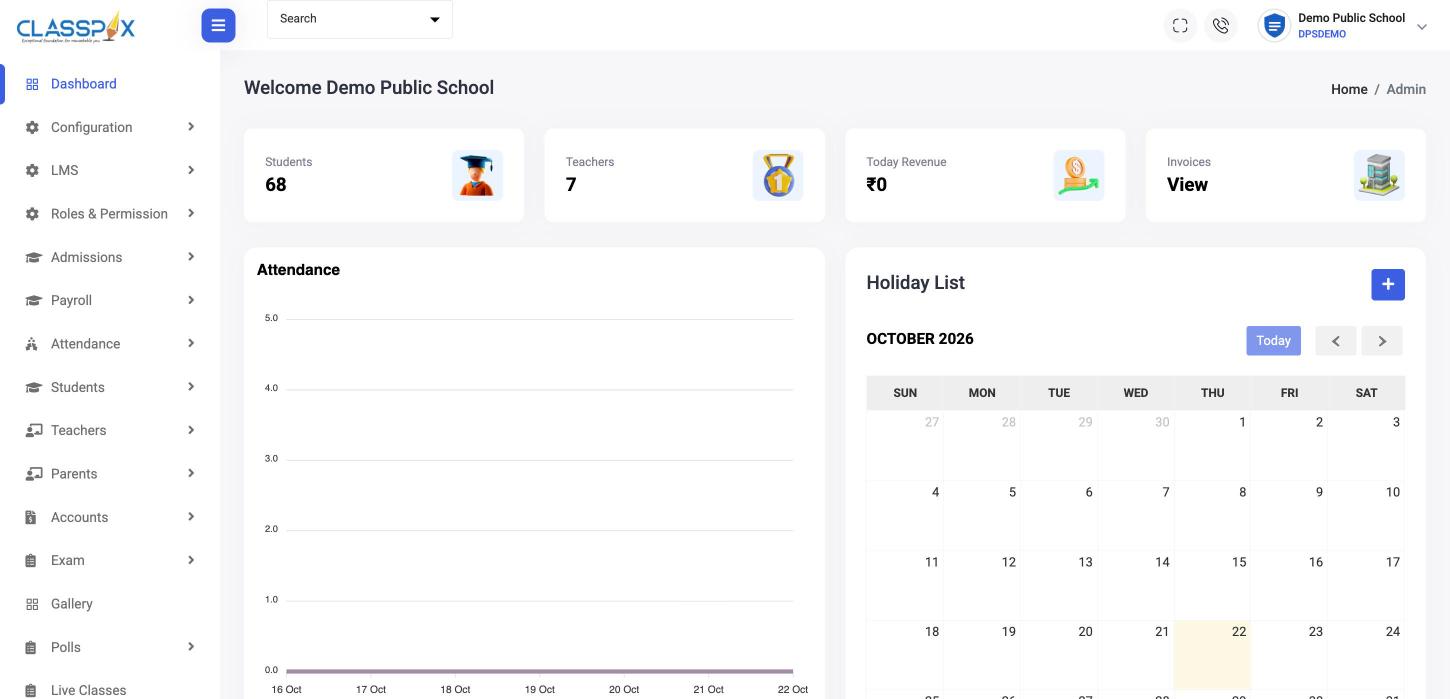
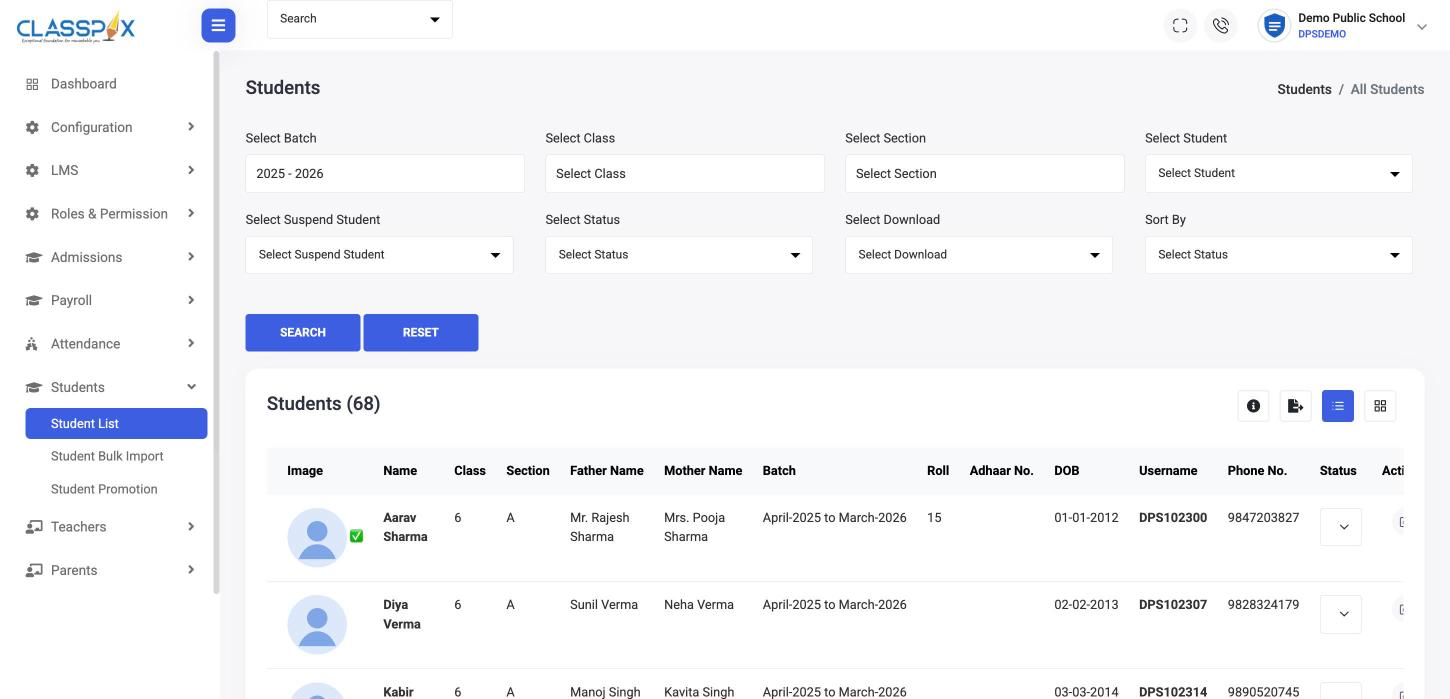
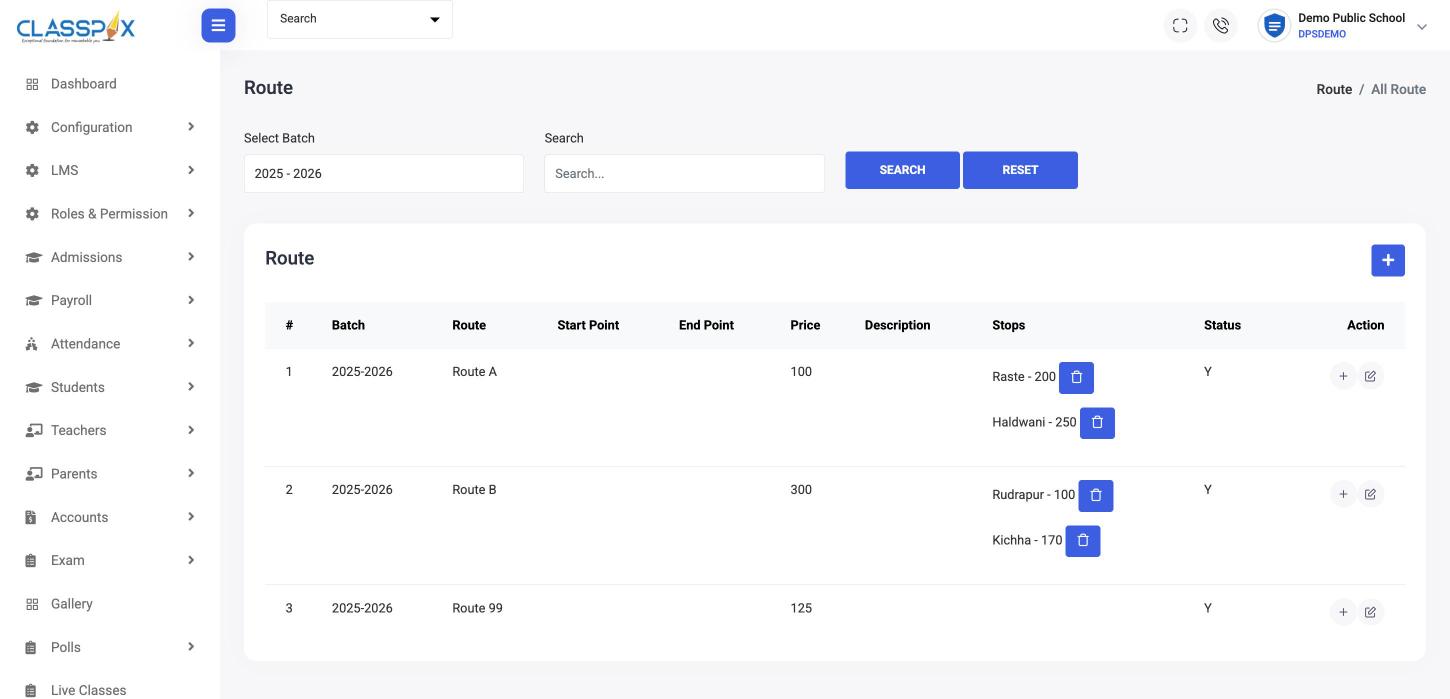
Real ClassPLX screens, module by module
Taken from the live ClassPLX admin. Student and staff names are replaced with sample data.

What each person in your school gets

How we implement ClassPLX in your school
- 1
Demo and scope
- 2
Data import from your registers, Excel or old software
- 3
Staff training (on-site / online)
- 4
Go-live and support

What changes in the school office
Fee dues visible daily
Student Fee ManagementAttendance marked once
Attendance ManagementReport cards from entered marks
ExaminationsAnnouncements reach every parent
Announcements · MessagingStaff see only their data
Role-Based Access ControlEvery change traceable
Audit Trail & Activity Logs
School ERP software: questions school owners ask
What is the best school ERP software for a private school in India?
The one your office will actually use every day. Check that fees, attendance, exams and parent communication share one student record, that it works on the phone for teachers and parents, and that the vendor imports your old data and trains your staff. ClassPLX does all four.
Which boards does ClassPLX support?
CBSE, ICSE and state boards, including UBSE and UP Board.
Can you import our existing data?
Yes. We take your registers and Excel files and load students, parents and fee details before go-live. Students and teachers can also be bulk-imported from Excel at any time.
Do our teachers need training?
Yes, and we do it. Our onboarding team trains your staff at go-live, on-site or online.
How is ClassPLX priced?
Per school, based on the number of students. Send your student count on WhatsApp and we share the price.
Can I see it with my own school's data?
Yes. Book a free demo and we set it up with your classes and fee structure, on a call or at your school.