Report cards are where a school’s year of teaching turns into a document parents keep. ClassPLX takes the retyping and formatting out of that work while keeping every mark tied to the right student.
The usual problem
In most schools, marks are written in a register, typed into Excel by the class teacher, then copied into a Word template for printing. Every copy is a chance for a wrong mark, a wrong roll number or a missing subject, and each term the formatting is done again by hand. Admit cards are made one at a time before every exam.
How exams work in ClassPLX
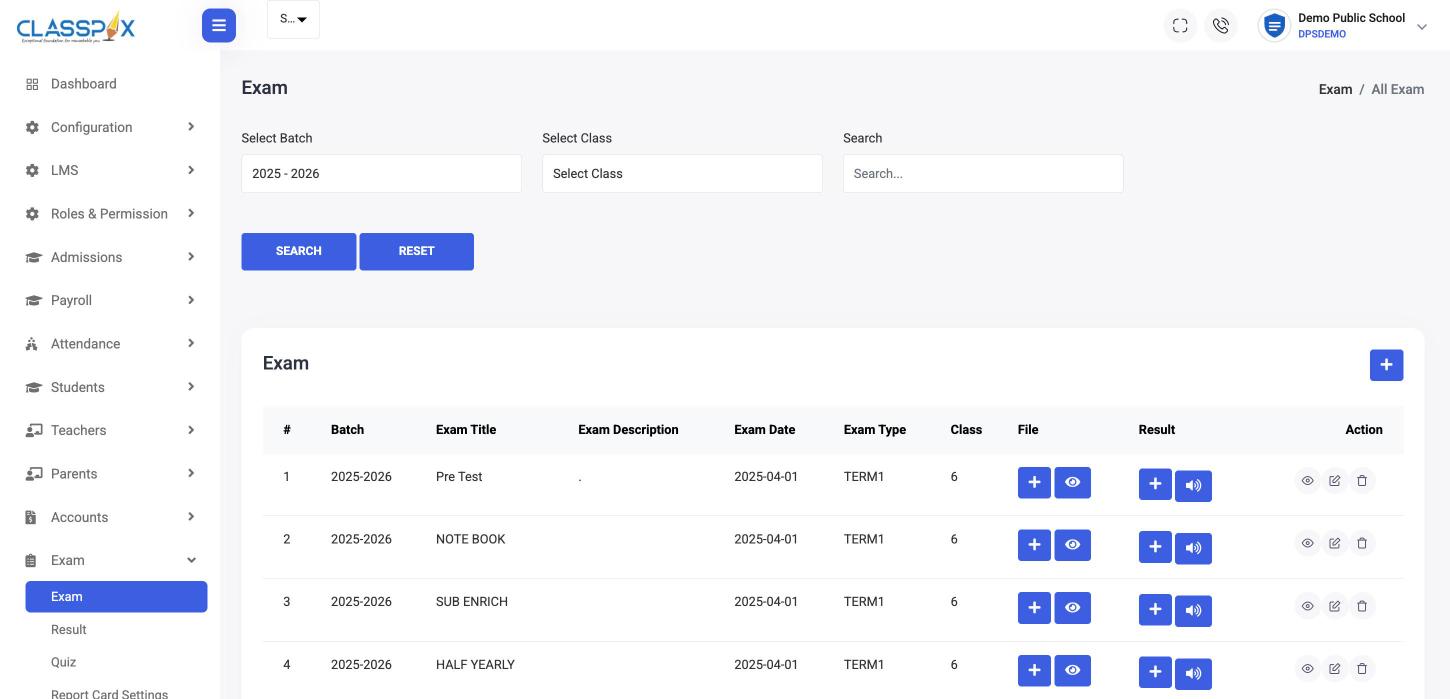
- Set up the exam. Create the exam with its title, date, type such as Term 1 or Half-Yearly, and the classes for the batch. Attach the question paper or any file.
- Enter results. Teachers record marks per exam and per student. The class list comes from the student record, so names and roll numbers are already there.
- Run quizzes. Quizzes sit in the same module, for practice tests or quick checks between exams.
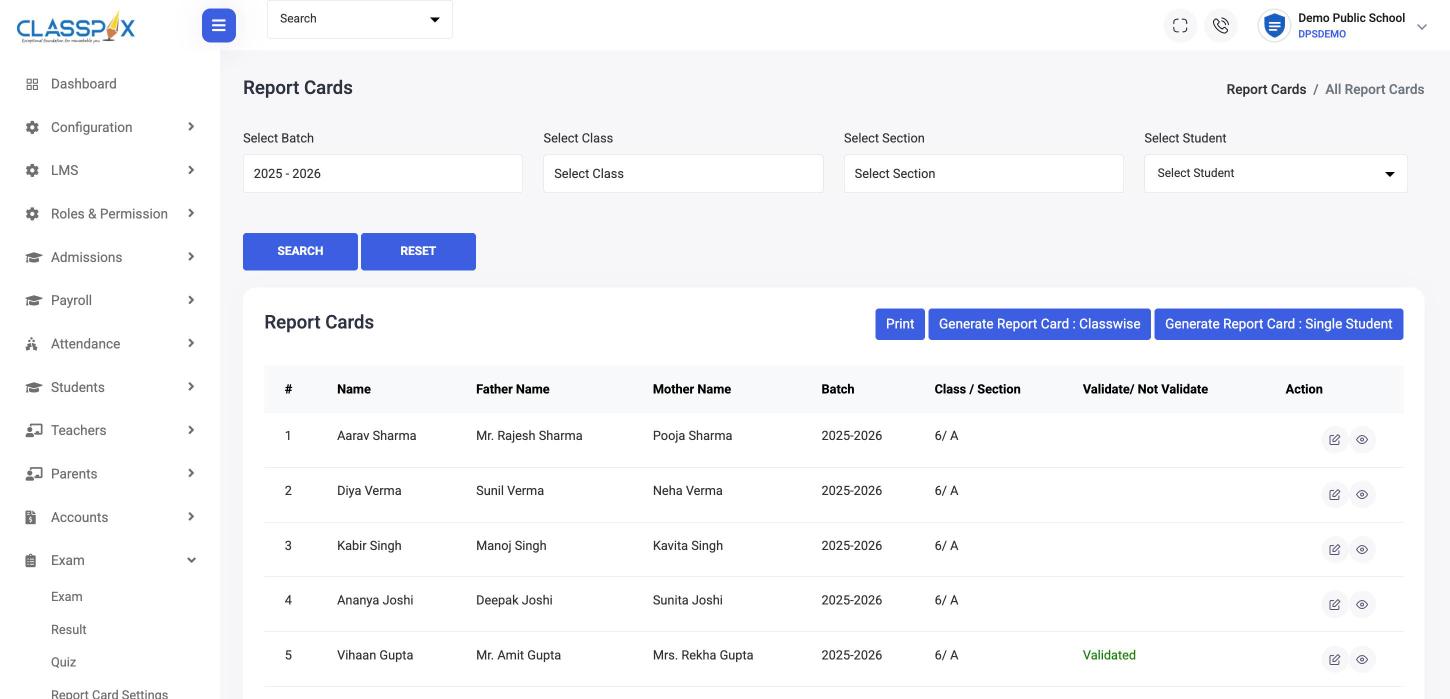
- Generate report cards. Set report card settings once, then generate report cards for a whole class or a single student. Validate before printing so errors are caught on screen, not on paper.
- Print admit cards. Admit cards for the whole school or one student come from the same records.
Boards and formats
ClassPLX supports report cards for CBSE, ICSE and state boards, including UBSE (Uttarakhand Board) and UP Board. Settings are made once per school, so the layout and grading follow your board without manual formatting each term.
Results for parents and students
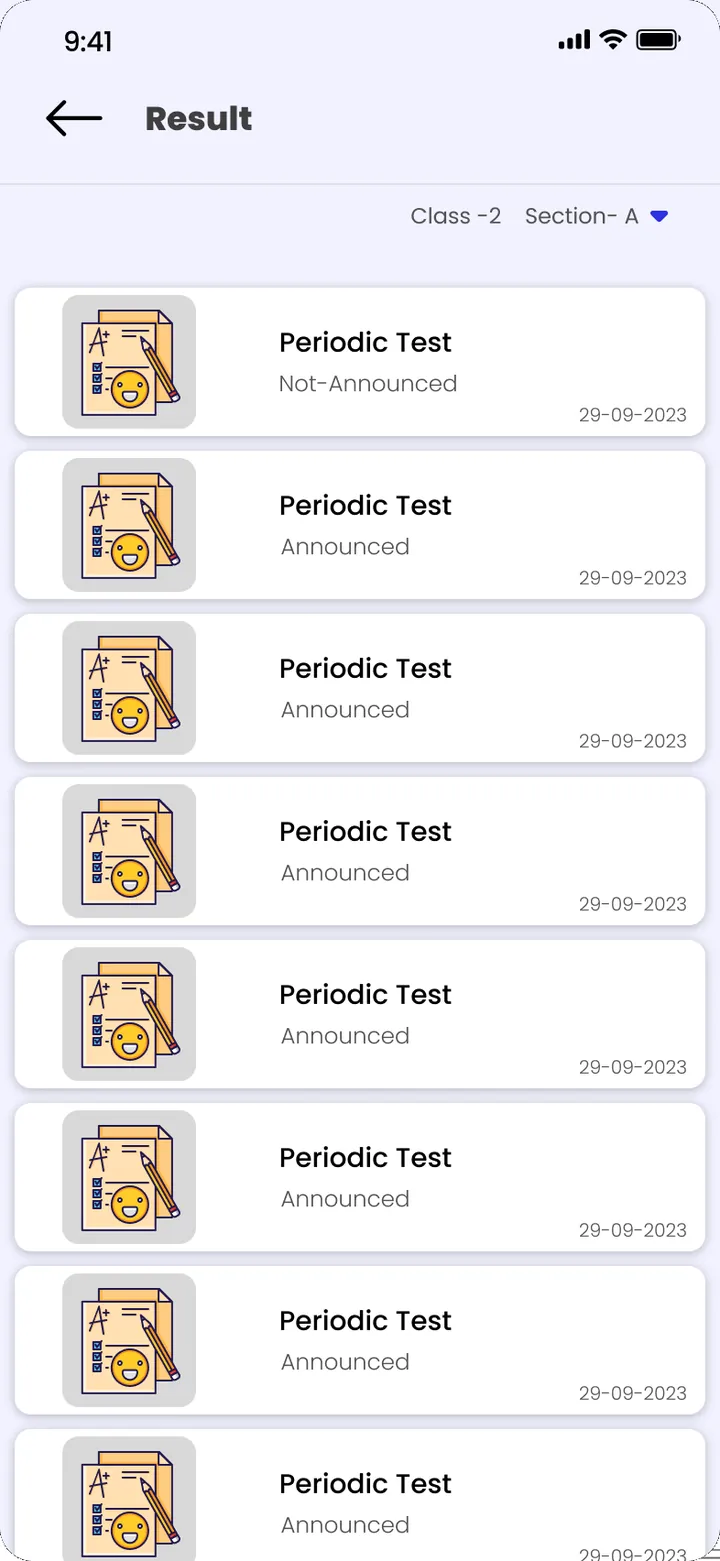
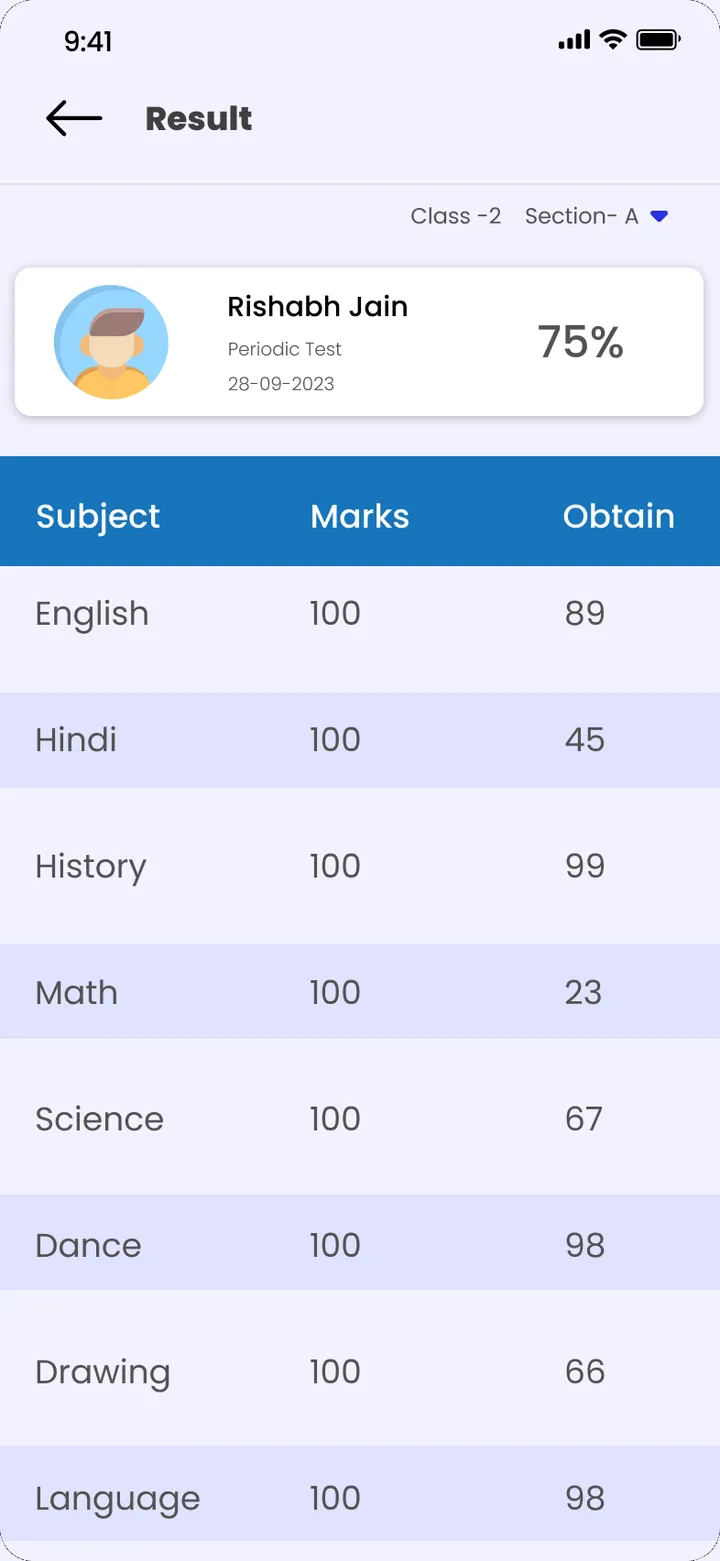
When results are published, parents and students see them in the ClassPLX app. Result declarations can also go out as an announcement, so families know when to check. Students using the app see subject-wise marks, and quizzes give them a way to practise.
Why schools move report cards into a school ERP
- Marks are entered once, by the teacher who set the paper.
- Report cards for a class are generated in minutes instead of days.
- Single-student report cards for late joiners or reprints take seconds.
- Every mark change is recorded in the audit trail, which matters when a parent questions a result.
- Admit cards, report cards and fee dues sit in the same system, so the office can see if a student has pending fees before exams.
Setting it up for your school
During onboarding we configure your exam types, subjects and report card format for your board, and train teachers to enter marks. The first term is usually the moment staff notice the difference. A one-month hands-on demo is available if you want to try it before buying.