Student information system · Pillar 4 of 7

Student information system (SIS) for schools

One record for every student, parent and teacher. Fees, attendance, exams and transport all read from it, so the same details are never kept in five registers.

Get Price on WhatsApp
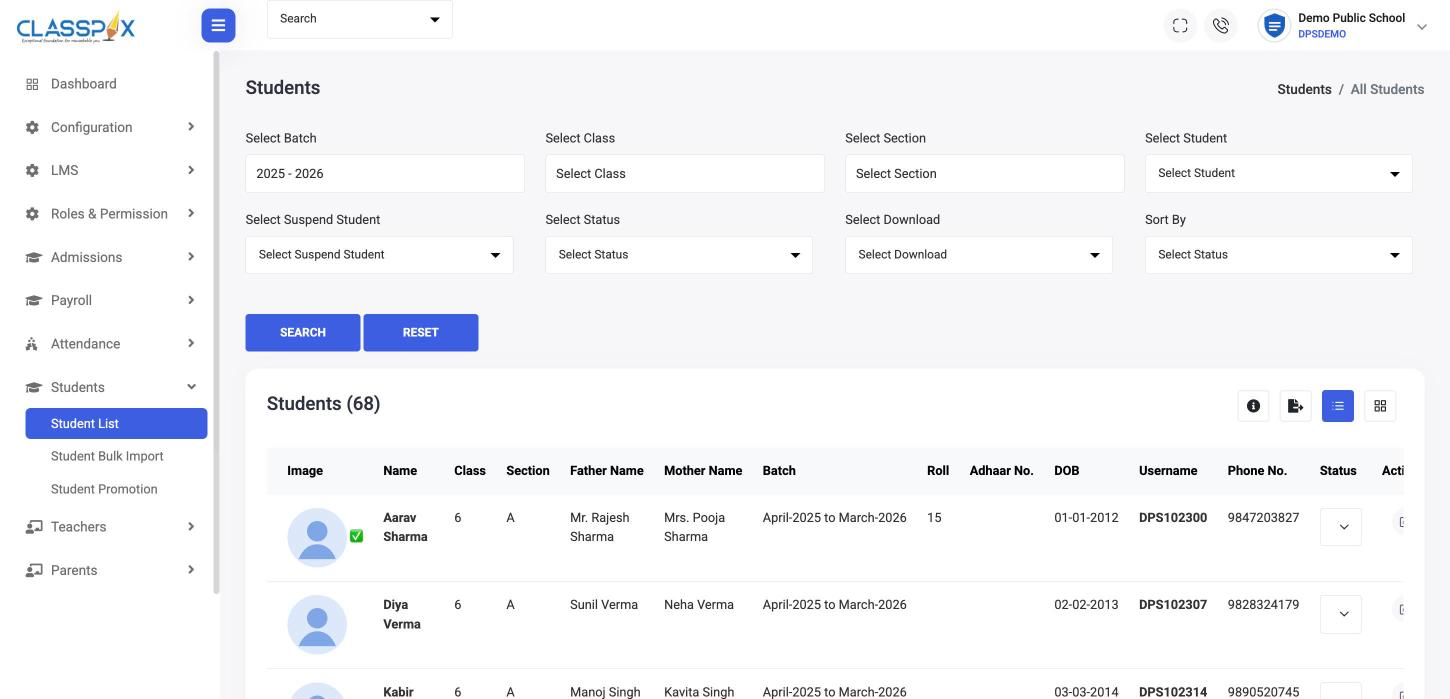
Student list with parents, class and roll number — ClassPLX school management software screen
Bulk import from ExcelFilter by batch, class, sectionOne record per student
Student list with parents, class and roll number

What the student information system holds

Students

Student records

Class, section, batch, roll number, date of birth, parents, phone and login username in one profile, with status and suspension filters.

  • Filter by batch, class, section and status
  • List or card view, with export
  • Bulk import students from Excel
  • Promote students to the next class
Teachers

Teacher and staff records

Teachers and office staff with their roles, imported in bulk or added one by one.

Parents

Parent records

Parents linked to their children, so siblings, fees and notices stay connected.

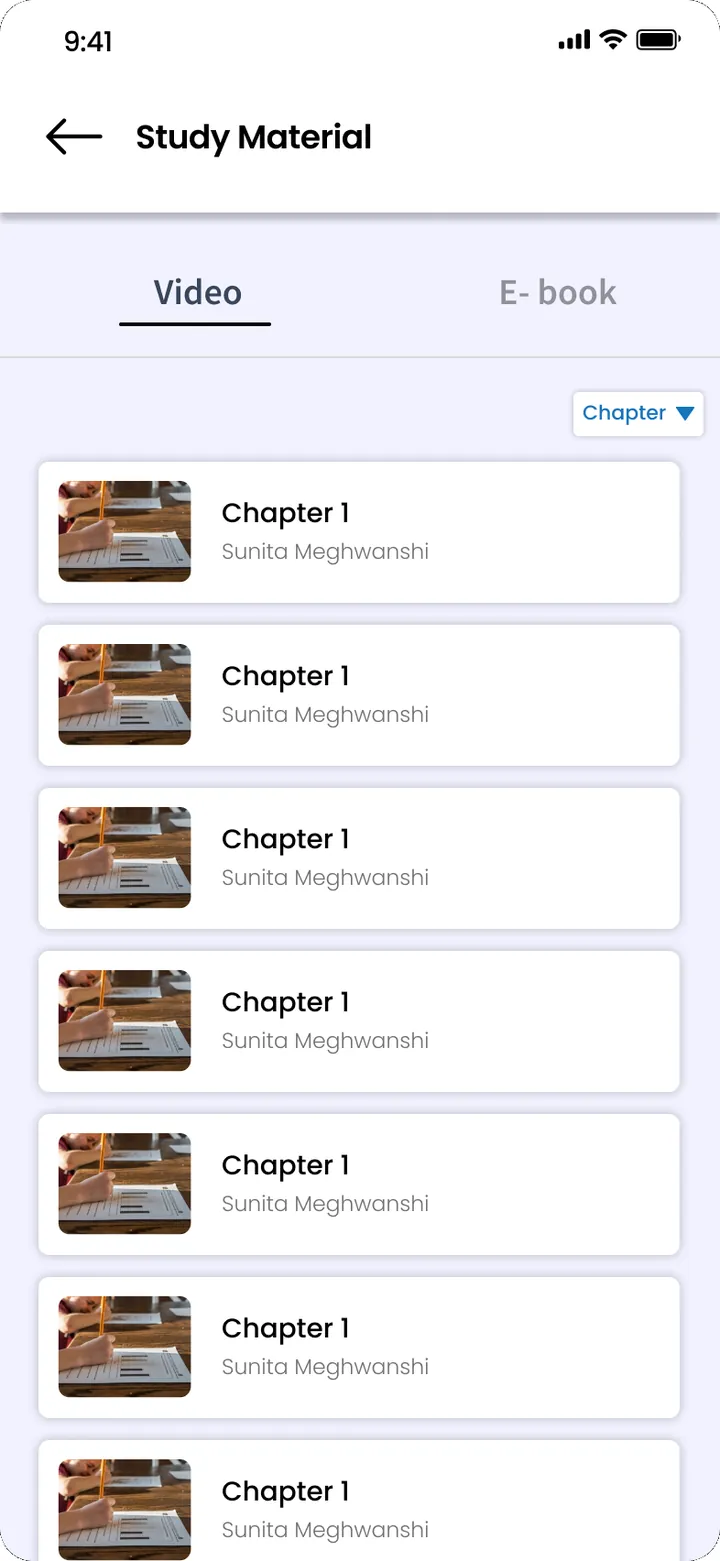
Parents · ClassPLX app screens, sample data. Tap to try.

Who uses it

  • Office — the master record for admissions, promotions and TCs.
  • Accounts — fee structure and concessions attach to the record.
  • Teachers — class lists come from it; nothing is retyped.

Guide

Student information system: why one record matters

A student information system (SIS) is the master record of who is in your school. When it is right, everything built on it is right: fees, attendance, exams, transport and the parent app.

What goes into one student record

Each student profile holds class, section, batch, roll number, date of birth, parents, phone numbers and the app login username, with status and suspension filters. The list can be viewed as a table or as cards, filtered by batch, class, section or status, and exported.

Teachers, staff and parents

Teachers and office staff have their own records with their roles, imported in bulk or added one by one. Parents are linked to their children, so siblings sit under one parent login, and fees and notices follow each child correctly.

Why the same details should not live in five registers

In a school without a SIS, the office keeps an admission register, accounts keep a fee register, each class teacher keeps an attendance register, and the transport in-charge has a bus list. When a student changes section or a parent changes phone number, each copy has to be corrected by hand, and some never are. In ClassPLX every module reads from the one record, so a change is made once.

Bulk import and yearly promotion

Existing students and teachers are imported from Excel. At the end of the session, students are promoted to the next class and batch together, so the office does not re-enter the school every April.

Who uses it

  • Office: the master record for admissions, promotions and TCs.
  • Accounts: fee structure and concessions attach to the record.
  • Teachers: class lists come from it.
  • Parents: one login for all their children.

Data protection

Student records hold children's personal details. Each staff role sees only what it needs, every change is recorded in the audit trail, and backups run on a schedule. More on security.

Student information system: FAQ

Can we import our existing student list?

Yes. Students and teachers can be bulk-imported from Excel, and our onboarding team loads your existing data before go-live.

How does promotion to the next class work?

Student promotion moves students to the next class and batch together, so you do not re-enter them every April.

Can I see it with my own school's data?

Yes. Book a free demo and we set it up with your classes and fee structure, on a call or at your school.

Can parents with two children use one login?

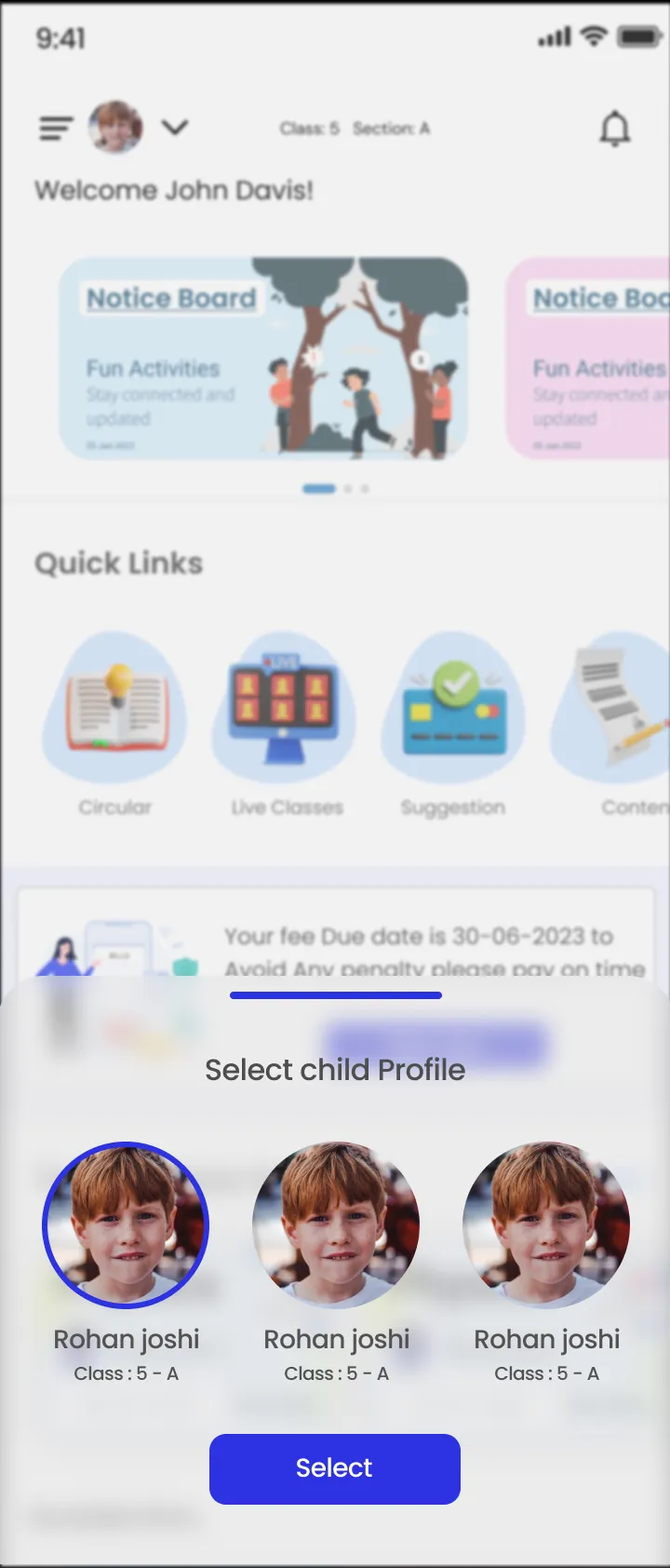
Yes. Parents are linked to their children, so siblings sit under one parent login and the parent switches between them in the app.

See your student records in one place.

A 30-minute walkthrough of ClassPLX on a call or at your school.

Get Price on WhatsApp
30 minutes · No obligation · Hindi or English