LMS for schools

Learning management system (LMS) for schools

Subjects, chapters, lesson content, syllabus, quizzes and live classes in the same school ERP as attendance and exams.

Get Price on WhatsApp

Why schools move study material into an LMS

Material scattered across WhatsApp groups

Lost when a phone changes.

No record of what was shared

Which class got which notes?

Online classes on personal links

Times and links sent separately every day.

How the ClassPLX LMS works

1

Subjects and chapters

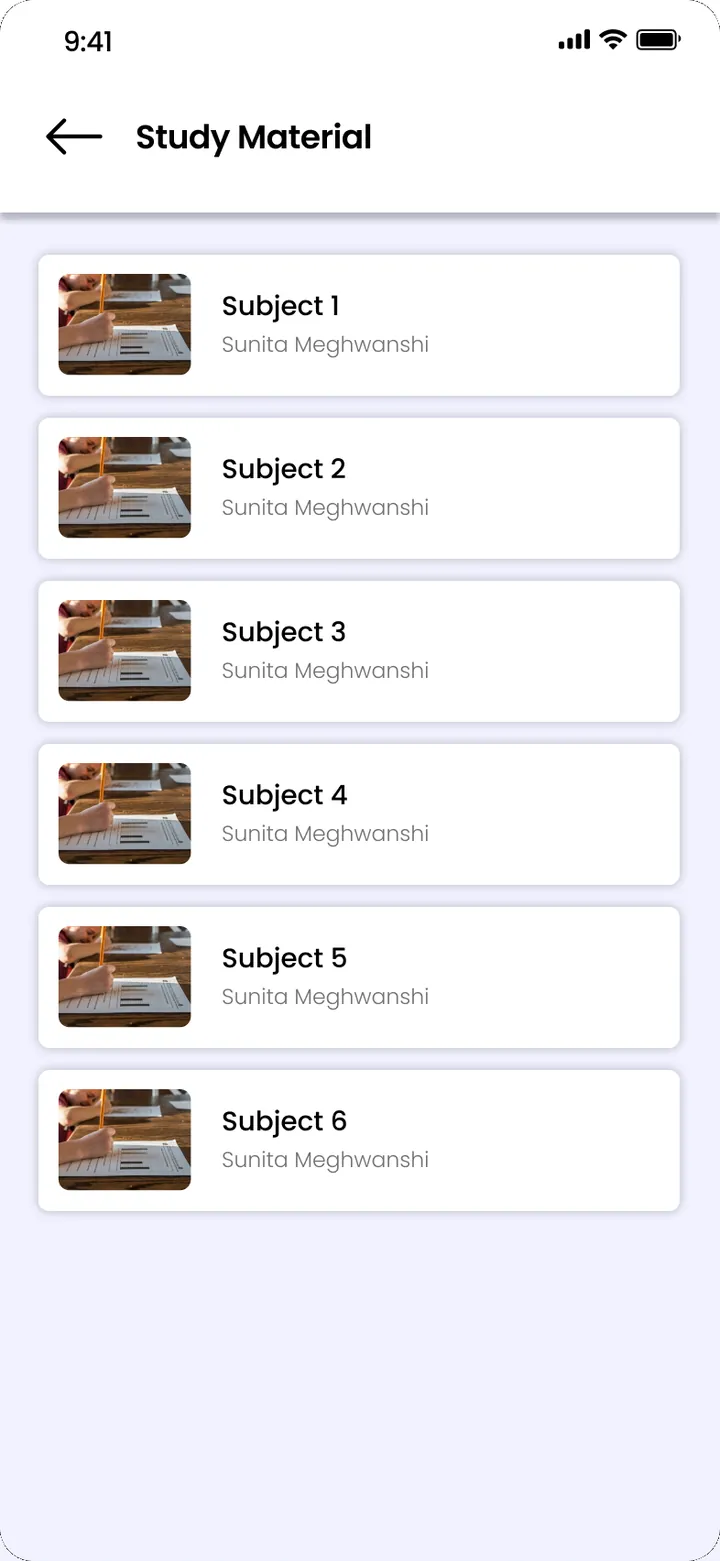
Set the subjects for each class and the chapters inside each subject.

Subjects and chapters · ClassPLX app screens, sample data. Tap to try.
2

Upload lesson content

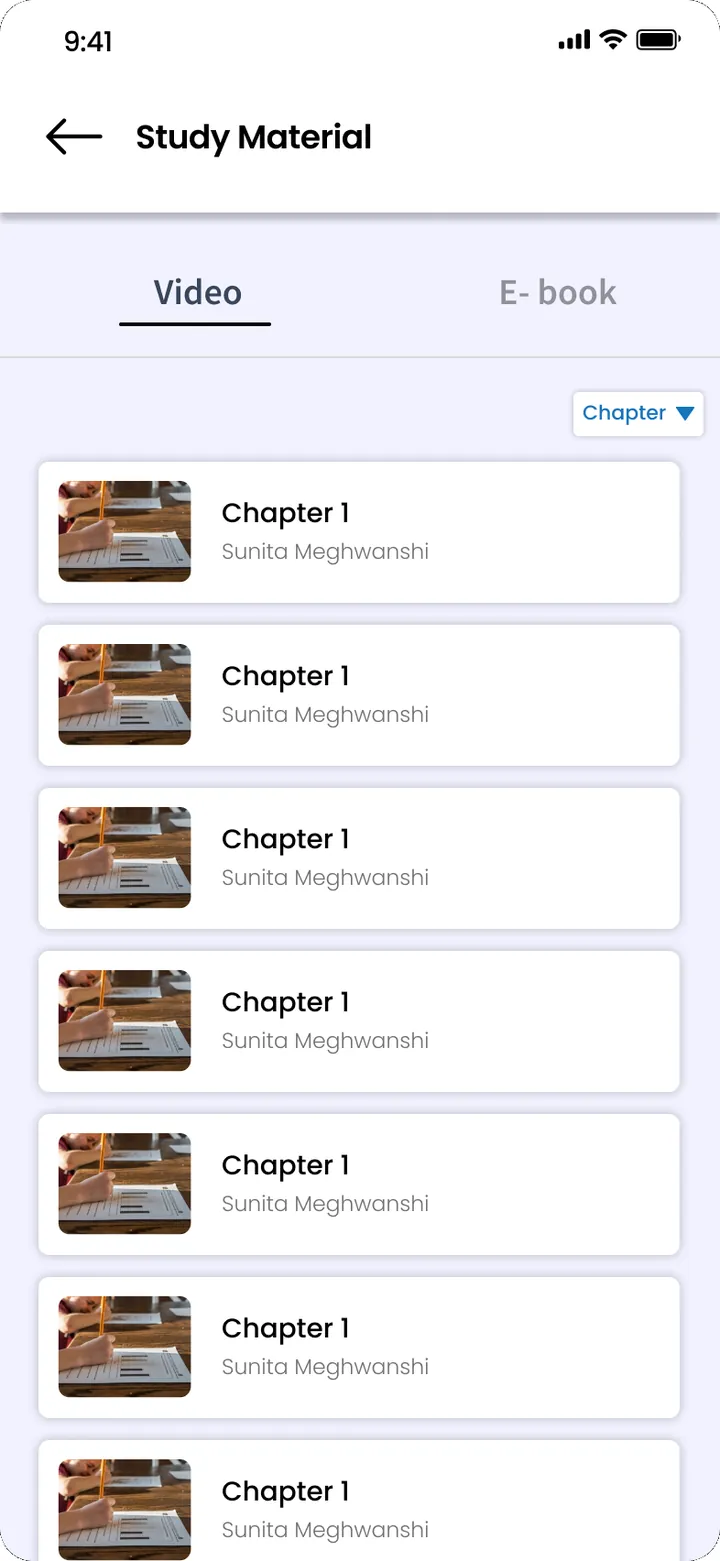
Teachers add content to a class, section, subject and chapter, with a title, so it is easy to find.

3

Syllabus, quizzes and live classes

Syllabus documents per class, quizzes in the exam module, and live classes scheduled with start and end times.

Live classes · ClassPLX app screens, sample data. Tap to try.

What you get

  • Subjects and chapters per class
  • Lesson content by class, section, subject and chapter
  • Syllabus per class
  • Quizzes
  • Live classes

Connected to

  • Class routine (timetable)
  • Attendance
  • Exams and report cards

Guide

LMS for schools: keeping study material, syllabus and live classes in one place

A school learning management system should make it easy for teachers to share material and for students to find it later. ClassPLX keeps the LMS inside the same school ERP as attendance, exams and the timetable.

How content is organised

The LMS follows the way a school already thinks about teaching. For each class you set the subjects, and inside each subject the chapters. Teachers add lesson content to a class, section, subject and chapter, with a title, so a student looking for Class 8 Science, Chapter 4 finds it in two taps instead of scrolling through months of WhatsApp messages.

Syllabus per class

Syllabus documents are uploaded for each class and sit next to the lesson content. Parents and students can see what is planned for the term, and the principal can check coverage class by class.

Live classes

Live classes are scheduled in ClassPLX with a title, a start date and time, and an end time. Students see upcoming classes in one place instead of receiving a new link and time in a group every day. This matters for revision classes, holiday sessions or days when the school is closed.

Quizzes

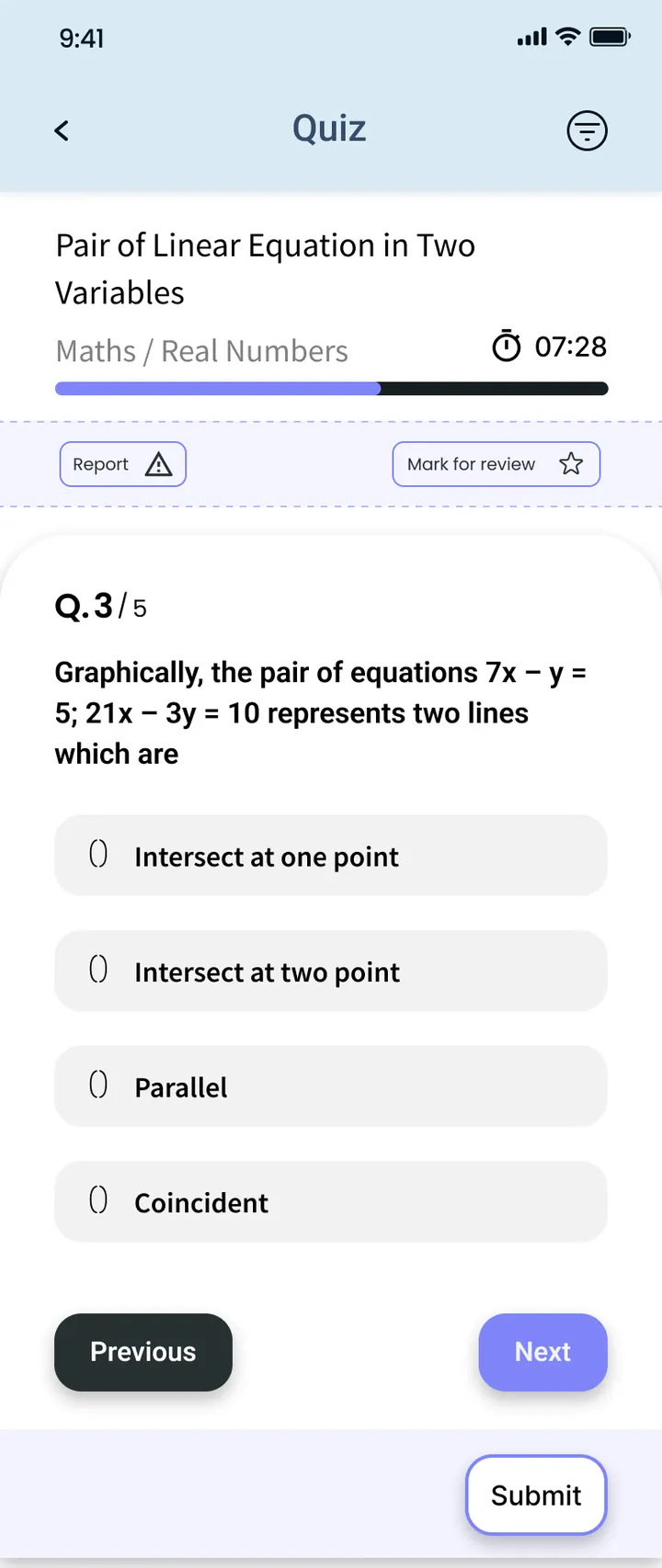
Quizzes live in the exams module and give students practice between tests. They use the same student records as exams, so the class lists are always right.

What changes compared with WhatsApp groups

  • Material stays with the school, not on a teacher's phone.
  • There is a record of which class received which content.
  • New students and students who change sections see everything already shared for their class.
  • Live class timings are in one schedule.

Connected to the rest of the school ERP

The LMS reads the same class and section lists as attendance and the class routine, so there is nothing separate to maintain. LMS, online quizzes and live classes are part of the ClassPLX Plus plan; see pricing for the full list.
LMS for schools: FAQ

Does ClassPLX have live classes?

Yes. Live classes are scheduled with a title, start date and time, and end time.

How is content organised?

By class, section, subject and chapter, with a title for each item.

Is the LMS separate from the school ERP?

No. It is part of ClassPLX, alongside attendance, exams and fees.

Which plan includes the LMS?

The LMS, online quiz and exam, and live classes are part of ClassPLX Plus.

Can students see material shared before they joined?

Yes. Content is stored by class, section, subject and chapter, so a student who joins later sees everything for their class.

See the LMS with your subjects and chapters.

A 30-minute walkthrough of ClassPLX on a call or at your school.

Get Price on WhatsApp
30 minutes · No obligation · Hindi or English